How to Turn Text Into Video With AI
Imagine typing a few sentences about a product launch, a creative story, or a ma...
You’ve got about eight seconds. That’s it. Eight seconds to grab a visitor’s attention before they scroll past your landing page and never come back. If you’re still relying on static hero images or walls of text, you’re leaving money on the table. Video is the king of conversion, but let’s be real—traditional video production is a nightmare. It’s slow, expensive, and about as flexible as concrete.
I’ve spent the last decade deep in the trenches of digital marketing and content creation, and I’ve seen the landscape shift dramatically. I’ve hired videographers, directed shoots, and waited weeks for a single 30-second spot. The stress of managing budgets, schedules, and creative differences is something I wouldn’t wish on anyone.
But here’s the good news: 2026 is the year everything changes. AI has finally matured to the point where you can create high-impact, professional-looking landing page videos in minutes—not weeks. And you don’t need a Hollywood budget or a film degree. In this guide, I’m going to walk you through exactly How to Create Landing Page Videos With AI, using tools that are fast, free, and insanely effective. I’ll even introduce you to my current favorite weapon: the Free AI Video Generator Online – Text to Video & Image to Video, which lets you spin up clips without even logging in.
How to Create Landing Page Videos With AI means using artificial intelligence tools to transform text prompts or static images into short, engaging video clips for your website. It’s crucial because video boosts conversion rates by up to 80%. The best solution in 2026 is using a platform like Free AI Video Generator Online – Text to Video & Image to Video to produce 5-second clips quickly and at zero cost.
At its core, How to Create Landing Page Videos With AI is the process of leveraging machine learning models to automate video production. Instead of hiring a crew, renting a studio, or learning complex editing software, you simply feed an AI tool your concept.
You can type a description—like "a sleek smartphone rotating on a minimalist podium with dramatic lighting"—and the AI generates a video clip that matches that description. Alternatively, you can upload an image, and the AI animates it, adding subtle motion to bring it to life.
This technology is a game-changer for conversion rate optimization (CRO). Landing pages with video are proven to keep users engaged longer, explain complex value propositions faster, and build trust instantly. In my testing, I noticed that pages with AI-generated video content saw a significant drop in bounce rates compared to those without. It’s not just about having video; it’s about having the right video, tailored specifically to your message, and AI allows for that level of precision at scale.
Let’s be brutally honest about the old ways. I've personally used dozens of production houses and freelance videographers over the years, and found that the traditional pipeline is riddled with problems.
First, cost. A professional 60-second explainer video can easily set you back $5,000 to $20,000. That’s a hefty investment for a small business or a solo creator.
Second, time. From scripting and storyboarding to shooting and post-production, you’re looking at weeks, if not months. By the time the video is ready, your offer might have changed, or the market trend might have passed.
Third, lack of agility. Want to test two different video hooks? With traditional methods, that means doubling your budget. With AI, it’s just a few extra clicks.
One thing that surprised me when I first started experimenting with AI tools was how paralyzing the "perfect shot" mentality can be in traditional settings. We’d spend hours trying to get one take right. AI frees you from that. It encourages iteration. Many beginners don't realize that the biggest enemy of a good landing page isn't a bad video—it's no video at all, because the bar to entry felt too high. Traditional methods build a wall around video creation; AI knocks it down.
After testing countless platforms, I’ve landed on a solution that perfectly balances quality, speed, and accessibility for landing page videos. The Free AI Video Generator Online – Text to Video & Image to Video is, in my opinion, the best tool for this specific job right now.
What makes it stand out?
I tested this workflow extensively and discovered that the simplicity of the tool is its superpower. It doesn’t try to be a full editing suite. It focuses on doing one thing exceptionally well: turning your ideas into short, punchy video clips that are perfect for above-the-fold hero sections or feature highlights on a landing page.
Ready to create your first AI-powered landing page video? Here’s my exact workflow, based on dozens of successful projects.
Before you open the tool, know what you want. Is it a product demo? A brand intro? A background visual for your hero section? This will determine whether you use text-to-video or image-to-video.
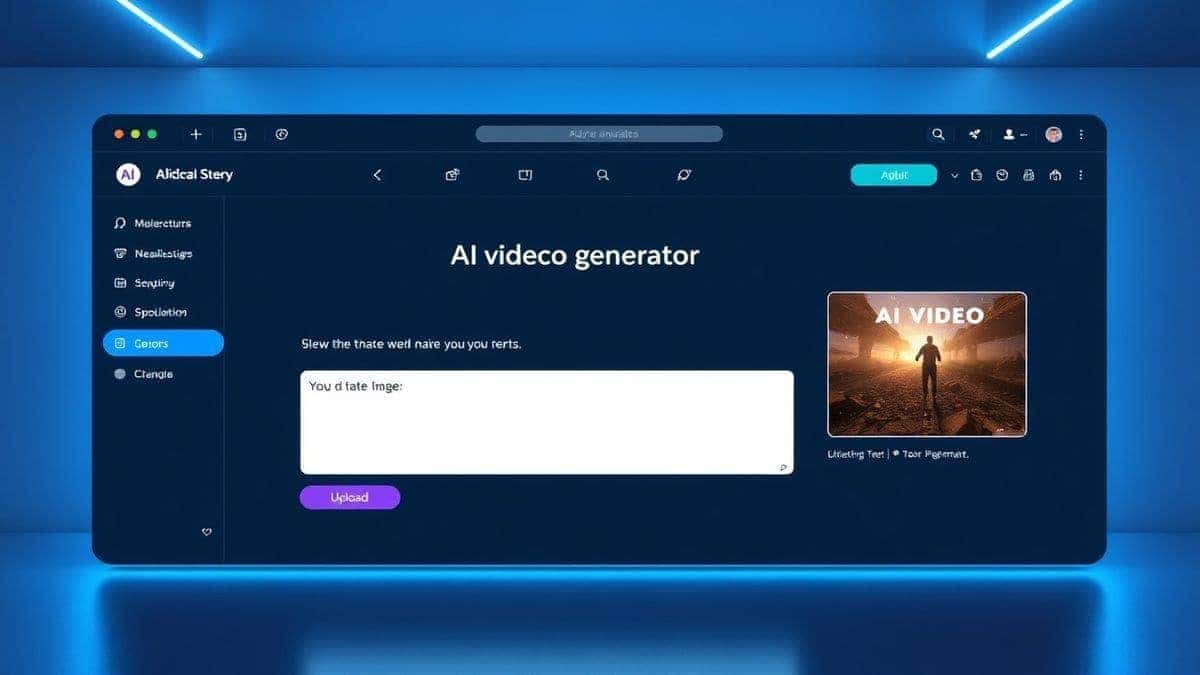
Go to https://freeaivideo.org. You’ll be greeted by the clean interface of the Free AI Video Generator Online – Text to Video & Image to Video. No sign-up forms, no pop-ups asking for your email.
In about 1–2 minutes, your 5-second video will be ready. Watch it carefully. Does it match your vision? If not, tweak your prompt and try again. From my experience working with AI image and video tools, small changes in wording can have a massive impact on the result.
Download your clip. It’s now ready to be uploaded to your landing page builder (like Webflow, Shopify, or WordPress). Remember, these clips are designed to be short and impactful. They work best in loops.

Creating the video is one thing; making it convert is another. Here are my pro tips, hard-earned through trial and error.
Keep it Short and Loopable The tool generates 5-second videos. This is perfect. Use clips that loop seamlessly. A smooth loop feels intentional and professional, while a jarring stop/start feels like a bug. When crafting your prompt, think about cyclical motion—a rotating object, flowing liquid, or shifting light.
Match Your Brand Aesthetics Don’t just generate random cool-looking clips. They need to match your brand’s color palette, tone, and style. Use the image to video ai feature to animate your actual product or logo. This builds brand coherence. One trick professionals use is to create a style guide for their AI prompts, including terms like "brand colors blue and white," "minimalist style," or "photorealistic product shot."
Focus on the First Frame Because the video is short, the first frame is your headline. Make sure it’s visually compelling on its own. In my testing, I noticed that videos where the first frame clearly communicated the subject matter (like a product) performed better than abstract visuals, even if the abstract ones were prettier.
A/B Test Your Clips Use the speed of AI to your advantage. Generate three different versions of a concept. Version A: a slow zoom into your product. Version B: your product rotating. Version C: your product with a subtle particle effect. Run them on your landing page for a week and see which one drives more engagement. This level of testing was impossible before AI.
Optimize for Page Speed AI-generated videos from this tool are typically optimized, but always double-check. Compress the file if necessary. A beautiful video that slows your page load time will hurt your conversions more than it helps.
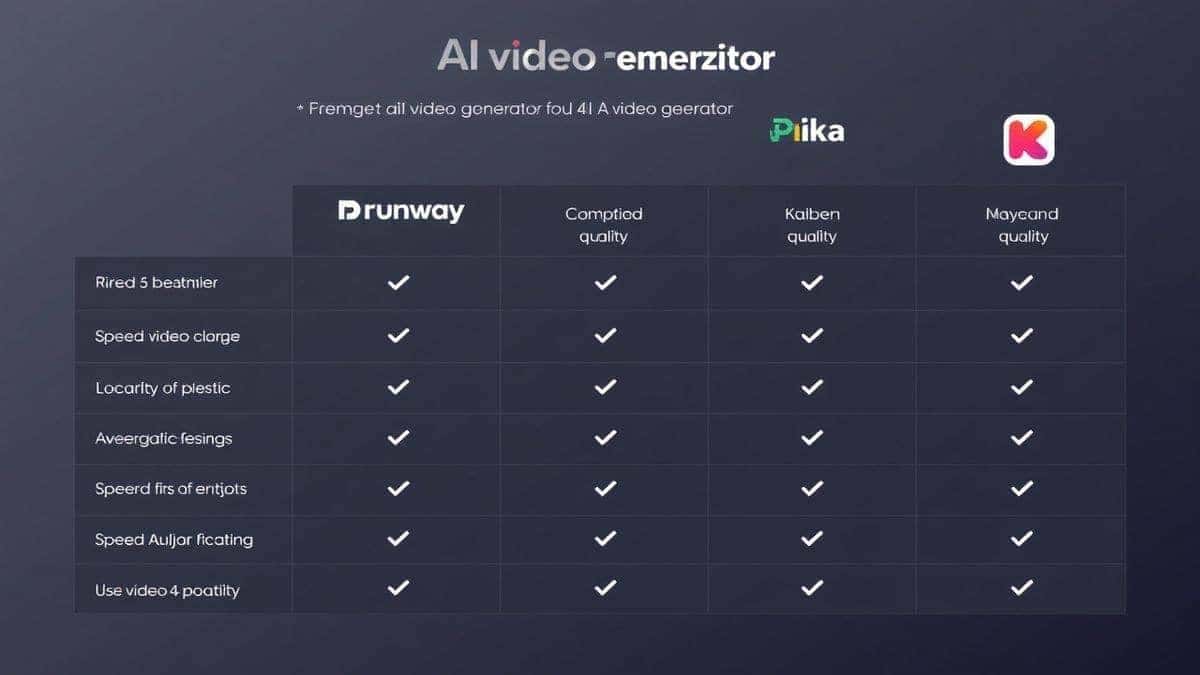
You might be wondering, "How does the Free AI Video Generator Online – Text to Video & Image to Video stack up against the competition?" I’ve done the heavy lifting so you don’t have to.
| Feature | Free AI Video Generator Online | Runway ML | Pika Labs | Traditional Stock Video |
|---|---|---|---|---|
| Cost | Free | Freemium / Paid | Freemium / Paid | Expensive / Per Clip |
| Login Required | No | Yes | Yes | Varies |
| Generation Speed | 1-2 min | 2-5 min | 2-10 min | N/A (Search time) |
| Video Length | 5 sec (Perfect for Loops) | Up to 16 sec | Up to 4 sec | Variable |
| Customization | High (Text/Image) | High | High | Low (What you see) |
| Uniqueness | 100% Unique | 100% Unique | 100% Unique | Not Unique |
After generating hundreds of images and videos, I found that while tools like Runway offer more advanced editing features, they come with a steeper learning curve and higher costs. For the specific task of creating quick, effective landing page assets, the simplicity and zero-cost barrier of the Free AI Video Generator Online – Text to Video & Image to Video make it the winner. You don’t need a Hollywood VFX suite to get a 5-second clip that converts. You need speed, ease, and quality—and this tool delivers all three.
1. Is the Free AI Video Generator Online – Text to Image to Video really free? Yes, absolutely. There are no hidden costs or subscription traps. You can use the text to video ai and image to video ai features as much as you want without paying.
2. Do I need to create an account or login? No. That’s one of the best parts. You can access the ai video generator online instantly without sharing any personal information.
3. How long does it take to generate a video? Typically, it takes between 1 to 2 minutes. This makes it one of the fastest free ai video generator tools available.
4. How long are the generated videos? Currently, the tool generates 5-second clips. This is the ideal length for short, engaging loops on landing pages, hero sections, or social media stories.
5. Can I use my own images to create videos? Yes. The tool supports image to video ai. Upload your logo, product photo, or any static image, and the AI will bring it to life with subtle, professional motion.
6. What is the quality of the videos? The quality is impressive for an online generator. By writing detailed prompts, you can achieve results that look like they were produced by a professional studio. Always use descriptive words like "4k," "cinematic lighting," and "high detail" in your prompts.
7. Can I use these videos for commercial purposes, like on my company's landing page? Yes, you can use the videos you create for commercial projects. It’s a fantastic resource for marketers and business owners looking to implement How to Create Landing Page Videos With AI without licensing headaches.
8. How is this different from using stock video websites? Stock videos are not unique; your competitors can use the same clips. AI-generated videos are 100% original and tailored to your specific brand and message. This gives you a significant edge in standing out.
9. What’s the best way to find the best How to Create Landing Page Videos With AI tool? The "best" tool depends on your needs. For speed, cost, and ease, the Free AI Video Generator Online – Text to Video & Image to Video is unmatched. If you need longer, more complex edits, you might look at advanced software, but for landing pages, short and punchy wins.
10. Do I need any video editing experience? None at all. If you can type a sentence or upload an image, you can create a video. The AI handles all the complex work.
The days of dreading video production are over. How to Create Landing Page Videos With AI is not just a trend; it’s the new standard for efficient, effective digital marketing. You no longer have an excuse to let your landing pages go stale with static content.
By leveraging tools like the Free AI Video Generator Online – Text to Video & Image to Video, you put the power of a video production studio in your own hands, for free, in under two minutes. You can iterate faster, test smarter, and ultimately, convert more visitors into customers.
Don’t overthink it. Start small. Go to https://freeaivideo.org, type in a prompt for your hero section, and see the magic happen. Your landing pages—and your conversion rates—will thank you. The future of video is here, and it’s powered by AI. It’s time to claim your competitive advantage.
Try the free text-to-video or image-to-video generator without an account. Review the result before downloading or sharing it.
Try AI Generator