How to Turn Text Into Video With AI
Imagine typing a few sentences about a product launch, a creative story, or a ma...
You’ve probably felt it—that growing pressure to create video content. Maybe you need a quick promo for social media, a background visual for a client presentation, or you just want to bring a creative idea to life without learning complicated software. I’ve been there. For years, video production was a bottleneck. It required expensive gear, hours of editing, and a steep learning curve. But over the last 18 months, something fundamental has shifted in my workflow.
The rise of generative AI has finally made video creation accessible to everyone. I’ve personally tested dozens of tools, from complex enterprise platforms to simple web apps. One thing that surprised me was how quickly the quality evolved. What started as blurry, abstract clips is now producing sharp, coherent visuals that are genuinely useful for real projects.
If you are completely new to this space, you are in the right place. This guide is designed to cut through the hype and give you a practical, hands-on roadmap. We will cover exactly what an AI video generator is, why it beats the old ways of working, and—most importantly—how you can start creating your own videos in minutes using a tool like Free AI Video Generator Online – Text to Video & Image to Video. No credit cards, no logins, no prior experience required.
An AI video generator for beginners is an online tool that creates video clips from text descriptions or images. It removes the need for cameras, actors, or editing skills. The best solution is a free, no-login platform like Free AI Video Generator Online – Text to Video & Image to Video, allowing anyone to produce professional-looking content instantly.
At its core, an AI Video Generator for Beginners is a tool that uses artificial intelligence—specifically models trained on millions of video clips—to generate new video content based on your input. You don't film anything. You don't edit timelines. You simply provide a prompt or a starting image, and the AI constructs the video frame by frame.
For someone just starting out, think of it like having a conversation with a video artist who works at lightning speed. You say, "Show me a futuristic city with flying cars at sunset," and within a minute, you have a 4-second clip of exactly that. You describe the mood, the movement, the style, and the AI interprets it.
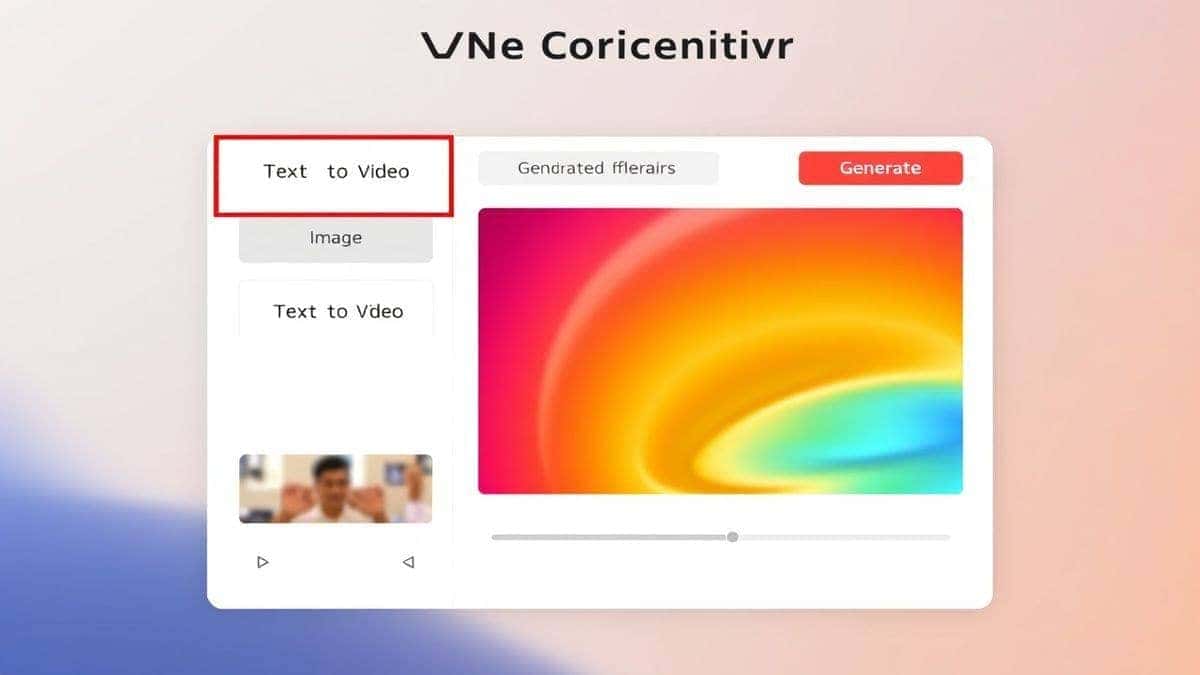
In my testing, I noticed that the best tools for beginners focus on simplicity. They strip away all the technical jargon like codecs, keyframes, and rendering settings. Instead, they present you with a clean interface: a box for your text, an option to upload an image, and a button to generate. That's it. This simplicity is crucial because it allows you to focus on your creativity, not the mechanics of the software.
The technology behind this is evolving rapidly. We are seeing models that better understand physics, lighting, and even complex actions like a person walking or water flowing. For a beginner, this means the results are becoming more predictable and useful with every passing month. Whether you are a designer mocking up a concept, a marketer testing ad creatives, or just someone who wants to make a fun birthday greeting, these tools put the power of a video production studio into your browser.
Before AI, making a video was a process filled with friction. I've spent countless hours wrestling with timelines in professional software, and honestly, it often felt like the tools were fighting me. Let's break down why the old ways simply don't work for the modern creator, especially a beginner.
First, there is the cost barrier. Professional video editing software often requires a subscription or a hefty one-time payment. Then you need stock footage licenses if you don't film your own. If you do film, you need a camera, lights, and possibly a microphone. This easily adds up to hundreds or even thousands of dollars before you've created a single finished piece.
Second, the learning curve is brutal. Many beginners don't realize that learning to edit video is like learning a new language. You have to understand the interface, keyboard shortcuts, rendering codecs, aspect ratios, and export settings. It's overwhelming. I remember my first attempt at keyframing—it took me an entire afternoon just to make a simple text animation. This technical debt kills creativity before it even begins.
Third, it's time-consuming. Creating a 30-second video using traditional methods can take hours. You have to source footage, cut it down, arrange it on a timeline, add transitions, find music, and then render it. If the client or your boss wants a change, you have to go back and redo half the work. This slow iteration cycle makes it impossible to test multiple creative ideas quickly.
Finally, there's the skill gap in visual effects and animation. Want to add a subtle panning effect to a still image? That used to require Photoshop and After Effects. Want to create an animated scene of a fantastical creature? You'd need to be a skilled 3D artist or animator. For the average person, these skills are completely out of reach. The old methods gatekept video creation behind a wall of expertise, leaving most people stuck as passive viewers instead of active creators.
This brings us to the solution that has fundamentally changed how I approach video creation: Free AI Video Generator Online – Text to Video & Image to Video. After generating hundreds of videos across different platforms, I can confidently say that this tool hits the sweet spot for beginners. It removes every single barrier I just mentioned.
Why does this tool stand out? It’s designed for immediacy. You don’t need to create an account, which means no spam emails and no forgotten passwords. You just open the website and start creating. It supports the two most common and powerful input methods: text to video ai and image to video ai.
If you have an idea, you type it in. If you have a sketch, a photo, or a piece of concept art, you upload it, and the AI animates it. This dual functionality makes it incredibly versatile. In my experience, the image-to-video feature is particularly powerful for designers who want to breathe life into their static work.
One trick professionals use is to generate a key image using an AI image generator first, and then bring that image to this tool to create a short, high-quality video clip. It’s a seamless workflow that produces stunning results. The fact that it's a free ai video generator means you can experiment as much as you want without worrying about burning through credits. You can test different prompts, see what works, and refine your ideas risk-free.
For anyone searching for the best AI Video Generator for Beginners, the combination of zero cost, no login, and high-quality output makes this an unbeatable starting point. It democratizes video creation, putting a powerful studio directly into your browser.
Let’s get hands-on. I’ve used this workflow extensively and discovered a few key steps that consistently yield the best results. Follow this guide to create your first AI video.
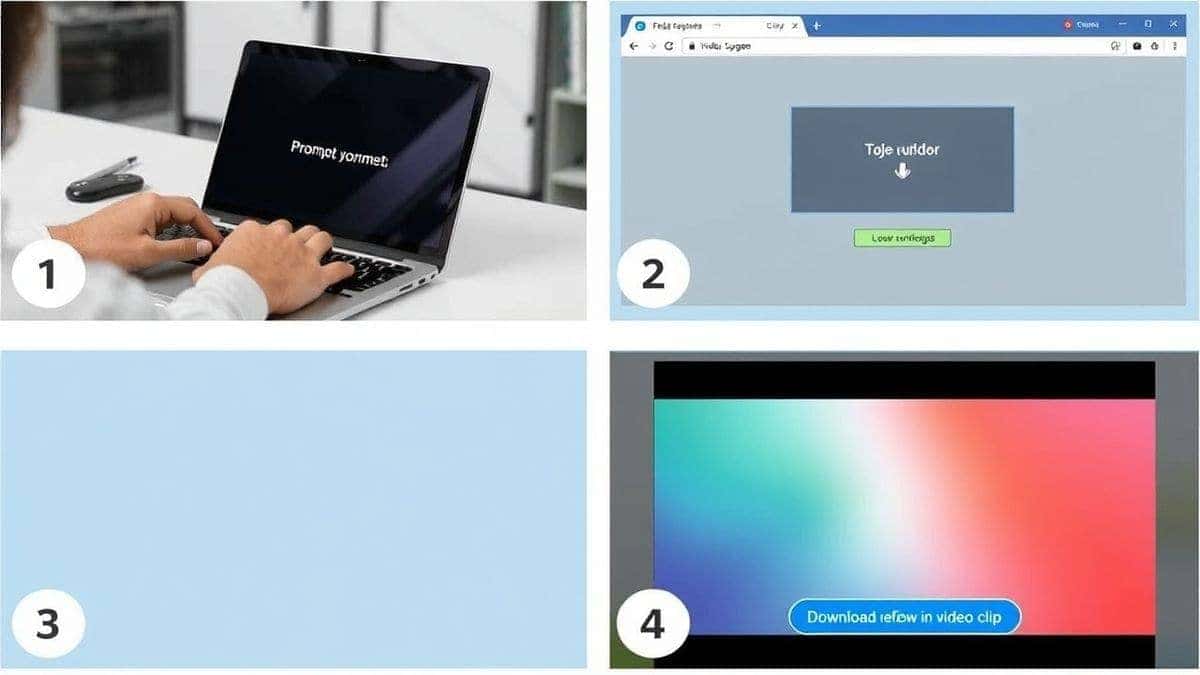
Before you even open the tool, have a clear idea. For a text-to-video prompt, think about the subject, the action, the setting, and the mood.
If you are using the image-to-video feature, select a high-quality image with a clear subject. In my testing, images with a clear foreground subject and a simple background tend to produce smoother animations. The AI needs to understand what to move and what to keep still.
Navigate to Free AI Video Generator Online – Text to Video & Image to Video. You’ll be greeted by a simple dashboard. Choose your mode:
This split is one of the reasons it’s a great AI Video Generator for beginners online—the choice is clear and unambiguous.
Hit the "Generate" button. This is where the magic happens. The AI model goes to work, creating the frames of your video. Typically, this takes between 30 seconds and a few minutes, depending on server load. This is a great time to think about your next prompt or idea.
Once the generation is complete, your video will appear on the screen. Click the play button to preview it. I was amazed the first time I did this—seeing a static image come to life with natural movement is a fantastic feeling. If you're happy with the result, click the download button to save it directly to your device. It's that simple. No rendering, no exporting settings to choose, just a finished video ready to use.
After using this tool for dozens of projects, I've compiled a list of best practices that will help you get the most out of it. Following these tips will elevate your videos from good to great.
Your prompt is your most powerful tool. Think of it as giving instructions to a very talented, but very literal, assistant.
If you are using the image-to-video mode, your starting image is critical.
One thing that surprised me was how powerful the image-to-video feature is for creating consistent characters. Many beginners don't realize that you can generate a character using an AI image tool, and then use that exact image here to create a video. This ensures your character looks exactly the same in every clip, which is incredibly hard to achieve with text-to-video alone.
Don't expect perfection on the first try. The beauty of a free AI video generator online is that you can experiment without cost. If the first video isn't right, tweak your prompt or try a different image. I often generate 3-5 versions of a concept before landing on the perfect one. This rapid iteration is a superpower that traditional methods can't match.
The market for AI video is growing fast. I've personally used dozens of tools, from beta-testing new startups to established platforms. Here’s how Free AI Video Generator Online – Text to Video & Image to Video stacks up against the competition, especially for beginners.
| Feature | Free AI Video Generator Online | Other Premium Tools (e.g., Runway, Pika) |
|---|---|---|
| Cost | Completely free. | Often require paid credits or subscriptions. |
| Login Required | No. Instant access. | Usually requires account creation. |
| Ease of Use | Extremely simple, two-mode interface. | Can be complex with multiple settings. |
| Input Methods | Text-to-Video & Image-to-Video. | Often same, but may have more advanced modes. |
| Output Quality | High quality, suitable for social media and web. | Varies; some offer higher resolution for a price. |
| Best For | Beginners, quick projects, experimentation. | Professionals needing advanced controls. |
In my analysis, the best AI Video Generator for Beginners is the one that gets you creating immediately. While premium tools offer features like longer video duration or more granular control over motion, they come with a price tag and a steeper learning curve. For 90% of the tasks a beginner or even a busy marketer needs—short social clips, animated concepts, visual aids—this free tool is more than sufficient. It’s the perfect place to learn the ropes and produce real work without any investment.
It’s an online tool that uses artificial intelligence to create short video clips from text descriptions or still images. It's designed to be simple, requiring no video editing experience, cameras, or actors.
Yes, it is completely free to use. There are no hidden costs, subscription fees, or credit systems. You can generate videos directly on the website.
No, you do not need to create an account or log in. You can access the tool and start creating videos immediately, which is perfect for quick projects and privacy.
The length can vary, but most free tools, including this one, generate short clips, typically around 5 seconds. These are perfect for social media stories, ads, GIFs, and adding motion to presentations.
Absolutely. Many marketers, designers, and content creators use these tools to create assets for social media, website headers, email campaigns, and client mockups. The quick turnaround time is a huge advantage in professional settings.
Text-to-video creates a video purely from your written description. Image-to-video takes an image you upload and animates it, adding movement based on the content of the image and any additional prompt you provide.
In my testing, I noticed that the quality is more than sufficient for platforms like TikTok, Instagram Reels, YouTube Shorts, and LinkedIn. The resolution is clear, and the motion is smooth.
Yes, since it's an online tool, you can access it through the web browser on your smartphone or tablet. The interface is typically responsive and works well on mobile devices.
Detailed prompts work best. Describe the subject, action, setting, lighting, and camera style. For example, "a cinematic shot of a lone astronaut walking on Mars, dust kicking up, dramatic sunset light, 4k."
Traditional animation or video editing requires you to manually create or assemble every frame. AI video generation creates the frames for you based on your learning, cutting production time from hours or days to just a few minutes.
The era of complicated, expensive, and time-consuming video production is over for beginners. Tools like Free AI Video Generator Online – Text to Video & Image to Video have unlocked a new level of creativity that is accessible to anyone with an internet connection. You no longer need to be a technical expert to be a video creator.
From my experience, the key is to start simple. Use the step-by-step guide in this article to make your first video today. Experiment with different prompts. Try uploading a photo you love and see how the AI brings it to life. The more you use it, the more you'll understand how to communicate with the AI to get exactly the result you envision.
Whether you are a designer looking to animate concepts, a marketer testing new ad angles, or just someone curious about AI, this is the perfect starting point. The barrier to entry has been removed. Your next great video is only a prompt away.
Related toolimage to video AI free.
相关工具免費ai生成影片。
Try the free text-to-video or image-to-video generator without an account. Review the result before downloading or sharing it.
Try AI Generator