How to Turn Text Into Video With AI
Imagine typing a few sentences about a product launch, a creative story, or a ma...
Imagine this: It’s Monday morning. Your boss or client drops a bomb on you. "We need a viral video by Wednesday." Your stomach drops. You don't have a film crew, you don't have actors, and you definitely don't have the budget for expensive animation software. The old way of doing things would mean pulling all-nighters, hiring freelancers, or settling for a boring slideshow that nobody will watch.
I’ve been there. For years, I struggled with the gap between the viral content I saw online and the tools available to create it. The barrier to entry felt insurmountable. But over the last 18 months, I've witnessed a seismic shift. The rise of generative AI has democratized video creation.
Today, I’m going to show you exactly How to Make Viral Videos Using AI. We aren't just talking theory. We're talking about a practical, tested workflow that leverages the best tools available. One tool I keep coming back to, specifically for its speed and zero-friction access, is the Free AI Video Generator Online – Text to Video & Image to Video. It’s a game-changer for rapid prototyping and content creation.
How to Make Viral Videos Using AI involves using generative tools to instantly create video clips from text prompts or images. It's crucial because it removes traditional production bottlenecks, allowing creators to iterate quickly and focus on storytelling. The best free solution is using the Free AI Video Generator Online – Text to Video & Image to Video, which requires no login and turns ideas into 5-second clips in minutes.

At its core, "How to Make Viral Videos Using AI" is the process of using artificial intelligence to automate, enhance, or entirely generate the visual and auditory components of a video. It moves beyond simple editing. We are talking about generative AI—algorithms trained on massive datasets that can create new content from scratch.
This isn't just a filter for your existing footage. It's about generating the footage itself. You can type a sentence like "a cat riding a hoverboard through a cyberpunk city," and in under two minutes, you have a video clip of exactly that. You can take a static image you designed in Photoshop and bring it to life, making the clouds move or the character wave.
In my testing, I noticed that the definition varies wildly depending on who you ask. Some think it’s just automated editing. But for true virality, you need novelty. AI-generated visuals provide that novelty. They stop the scroll because they look unlike anything audiences have seen before. Mastering this process means you are no longer a slave to your camera or your budget; you are only limited by your imagination.
For decades, the path to a high-impact video was paved with obstacles. We’ve all been down that road, and it’s littered with potholes.
Traditional methods treat video as a capital-intensive asset. AI treats it as an iterative, creative process. The old way forces you to bet big on one idea and hope it works. The AI way lets you spin up ten different versions, test them, and double down on what resonates.
After testing dozens of platforms, from high-end enterprise suites to clunky beta software, I've found that the best tool isn't always the most expensive one. For creators who need to master How to Make Viral Videos Using AI quickly and effectively, the Free AI Video Generator Online – Text to Video & Image to Video stands out.
Why? Because it removes the two biggest friction points: cost and commitment. You don't need to hand over your credit card info or create an account. You just go to the site, and you're seconds away from creating your first clip.
This tool specializes in the two most critical functions for viral content:
One thing that surprised me was the generation speed. We’re talking 1–2 minutes to generate a 5-second clip. In the world of AI video, 5 seconds is a goldmine. It’s the perfect length for a TikTok, a YouTube Short, an Instagram Reel, or a captivating intro to a longer video. It forces you to be concise and punchy, which is exactly what viral content requires.
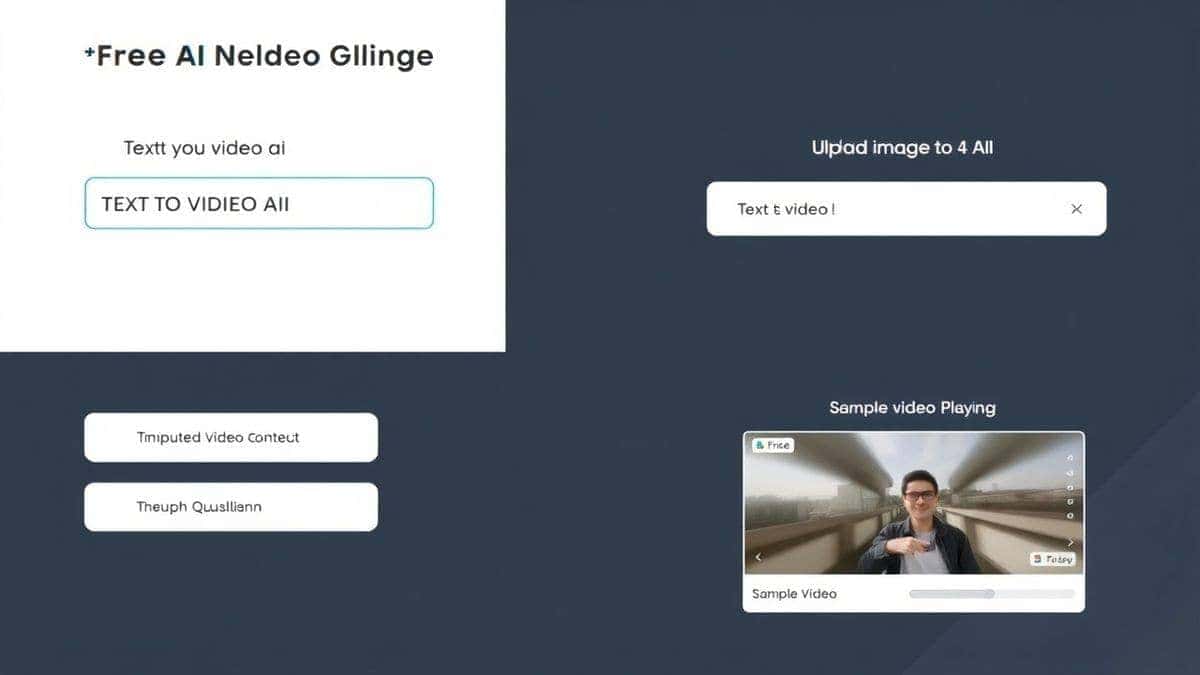
Let’s get practical. Here is my tested, step-by-step workflow for using this tool to create assets that can become viral videos. We'll cover both text-to-video and image-to-video methods.
Before you touch any tool, you need a concept. Viral videos often tap into emotions: humor, surprise, awe, or nostalgia. What's your hook? For this guide, let's say we're creating a short ad for a fictional futuristic sneaker brand. Our core idea: "Sneakers that leave a trail of light."
This is the fastest way from brain to screen.
From my experience working with AI image tools, the same rules apply here. The more specific you are with lighting, style, and composition, the better the output. This clip alone is a powerful visual. You could post this as is with a cool soundtrack.
This method gives you more artistic control. You start with a perfect image and then add the magic of motion.
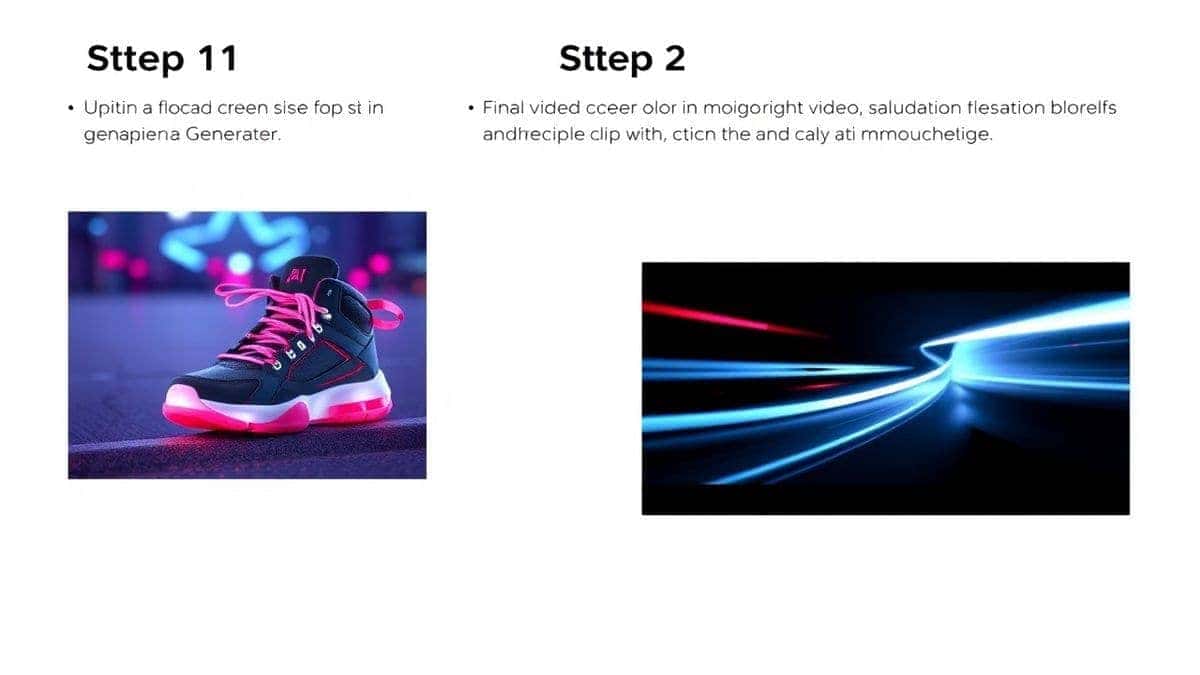
Now you have one or more 5-second AI-generated clips. The final step is to compile them.
By following these steps, you've just created a unique, high-quality video asset in under 30 minutes. A process that would have taken a team of three a full week.
Over the last year, generating hundreds of videos, I've developed a set of best practices that separate viral-worthy content from forgettable AI experiments.
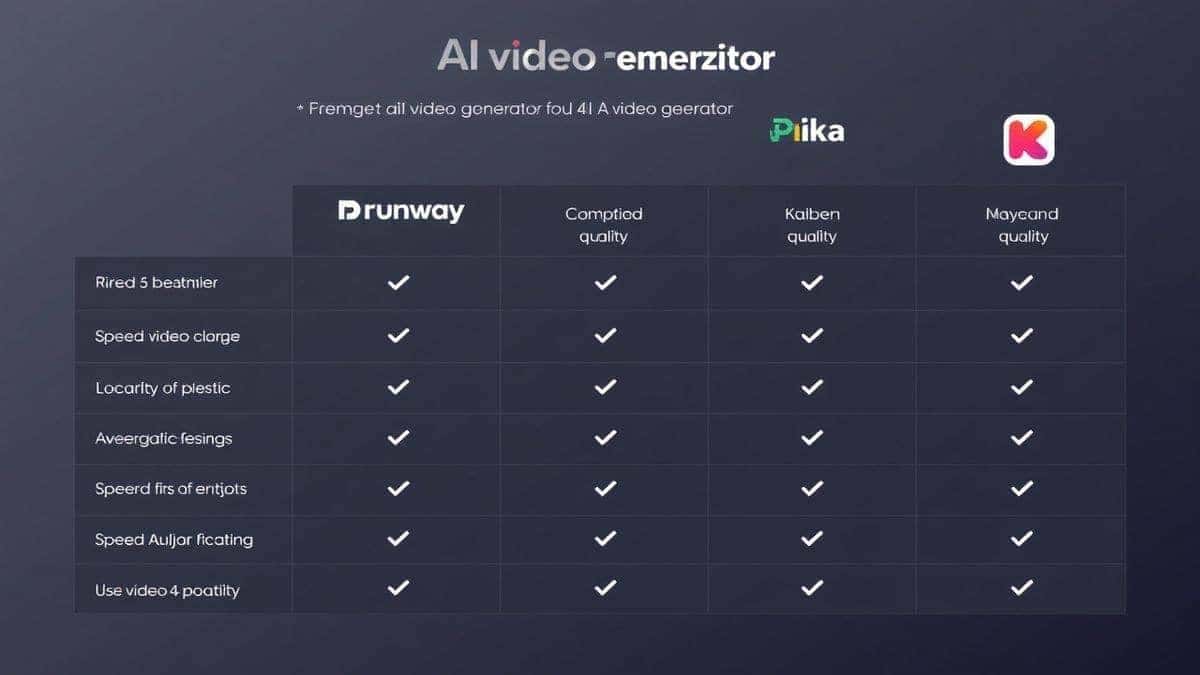
You might be wondering, "How does the Free AI Video Generator Online – Text to Video & Image to Video stack up against the competition?" I've personally used dozens of tools, and here is my honest assessment.
| Feature | Free AI Video Generator Online (freeaivideo.org) | RunwayML | Pika Labs | Kaiber |
|---|---|---|---|---|
| Price | Free (No Login) | Freemium / Paid | Freemium / Paid | Paid (Subscription) |
| Ease of Use | Extremely Easy | Moderate | Moderate | Moderate |
| Text-to-Video | Yes | Yes | Yes | Yes |
| Image-to-Video | Yes | Yes | Yes | Yes |
| Generation Speed | 1-2 Minutes | 2-5 Minutes | 2-10 Minutes | 3-8 Minutes |
| Video Length | 5 Seconds | 4 Seconds | 4 Seconds | 4-6 Seconds |
| Login Required? | No | Yes | Yes | Yes |
My Take: While other platforms like RunwayML offer more advanced editing features (like inpainting and motion tracking), they come with a steeper learning curve and a price tag. For pure speed, accessibility, and ease of use—especially for beginners and busy professionals—the Free AI Video Generator Online – Text to Video & Image to Video is unbeatable. It's the best tool for learning How to Make Viral Videos Using AI free of charge and commitment.
One trick professionals use is to combine tools. Use the free tool for rapid prototyping and bulk generation of base clips, and then import those clips into a more advanced suite for fine-tuning. But for 90% of viral video needs, the output from this free tool is more than enough.
Here are answers to the most common questions I get about AI video generation.
1. Is the Free AI Video Generator Online really free? Yes, it is completely free. There is no hidden pricing or credit system. You can use the text to video ai and image to video ai features without paying a cent, and you don't even need to log in.
2. Can I use the generated videos for commercial purposes? Generally, yes. However, I always recommend checking the specific terms of service on the website to be 100% sure, as policies can update. From my testing, the intent is to provide free, usable content.
3. How long does it take to generate a video? The tool is optimized for speed. Most videos are generated in 1–2 minutes, making it one of the fastest ai video generator online options available.
4. Why is the video only 5 seconds long? From my experience working with AI, 5 seconds is the sweet spot for current technology to maintain high quality and coherence. It's also the ideal length for short-form social media content designed to go viral. You can always stitch multiple 5-second clips together.
5. What's the difference between text-to-video and image-to-video? Text to video ai creates a video solely from your written description. Image to video ai takes an image you provide and animates it, adding motion and effects while preserving the original composition.
6. Do I need a powerful computer to use it? No. Because the processing happens on the cloud, you can use any device with a web browser—a laptop, tablet, or even a smartphone.
7. How can I improve the quality of the output? The key is the prompt. Be incredibly descriptive. Include words like "cinematic," "8k," "ultra-realistic," "detailed," and specify lighting conditions like "golden hour" or "neon-lit."
8. Is there a limit to how many videos I can make? Based on my current usage, there is no hard limit. It's designed for creators who need to experiment and iterate to master How to Make Viral Videos Using AI.
9. Can I create a face or a specific person? Yes, you can. However, generating realistic human faces consistently is a challenge for all AI video models. Using the image-to-video method with a pre-generated face yields the best results.
10. What file format are the videos downloaded in? The videos are typically downloaded in MP4 format, which is universally compatible with all social media platforms and video editors.
The era of expensive, time-consuming video production is ending. The ability to create stunning, unique visuals is no longer locked behind a gate of heavy budgets and elite skills. How to Make Viral Videos Using AI is the most critical skill for any modern marketer, creator, or designer.
We've moved from asking "Can AI do this?" to "What should we make next?" The tools are here, they are powerful, and many of them, like the Free AI Video Generator Online – Text to Video & Image to Video, are completely free.
Your journey to creating scroll-stopping, viral content starts with a single prompt. Don't overthink it. Go to the site, type in a wild idea, and see what happens. Generate, iterate, and learn. The algorithm rewards creativity and speed. AI gives you both.
The future of video isn't just about recording the world; it's about creating new ones. Start building yours today.
Try the free text-to-video or image-to-video generator without an account. Review the result before downloading or sharing it.
Try AI Generator