How to Turn Text Into Video With AI
Imagine typing a few sentences about a product launch, a creative story, or a ma...
You’ve got a great idea for a video, but the thought of learning complex editing software, hiring a videographer, or spending hours rendering clips stops you cold. I’ve been there. For years, video creation was a high-barrier game reserved for those with expensive gear and technical know-how. But that wall has crumbled.
In 2026, we are living in the golden age of content creation, where the line between imagination and reality is blurred by artificial intelligence. Whether you are a marketer needing a quick promo, a designer prototyping a concept, or a creator trying to feed the algorithm, AI video generators are your secret weapon. The problem? Most beginners jump in, type a random sentence, and wonder why the output looks generic.
I’ve spent the last several years testing dozens of these platforms—from the clunky early adopters to the sleek models we have today. I’ve generated thousands of clips, analyzed what works, and, more importantly, what fails miserably. This guide isn't just a list of tools; it’s a collection of battle-tested strategies.
Today, we are going to cut through the noise. We’ll explore the best AI Video Creation Tips for Beginners, and I’ll show you exactly how to leverage a powerful, accessible tool like Free AI Video Generator Online – Text to Video & Image to Video to create stunning visuals in minutes—without spending a dime or logging in.

AI Video Creation Tips for Beginners are foundational strategies to help new users generate high-quality clips using artificial intelligence. It matters because it democratizes video production, saving time and money. The best solution is using a no-login platform like Free AI Video Generator Online – Text to Video & Image to Video, which allows you to instantly turn text or images into 5-second clips.
When we talk about AI Video Creation Tips for Beginners, we aren't just talking about pressing a button. We are talking about a methodology. It’s the intersection of creative writing and machine learning. At its core, AI video generation uses models trained on millions of video clips to interpret your text prompts or source images and generate new footage based on that data.
For a beginner, understanding the mechanics is less important than understanding the language of the machine. You have to learn how to communicate your vision to the AI. This involves crafting specific prompts, choosing the right starting image, and knowing the limitations of the technology.
Many beginners expect Hollywood-level results from a single sentence. In my testing, I noticed that the difference between a "meh" clip and a professional-looking one often comes down to the detail in the prompt. If you write "a car driving," you’ll get a generic car. But if you write "a red vintage convertible driving along a coastal road at sunset, cinematic lighting, 4k," you get magic. That is the essence of these tips.
Let’s be honest for a second. Before AI, making a video was a chore. I remember spending an entire weekend filming b-roll for a simple product demo, only to spend another two days in post-production, color grading, and rendering. Traditional methods fail for several key reasons:
I’ve personally used dozens of tools and workflows over the last decade, and the friction inherent in traditional video creation is what drove me to embrace AI so early. It’s not about replacing skill; it’s about removing the friction so you can focus on the idea itself.
So, what is the alternative? The alternative is a browser tab and a solid internet connection. The best modern solution for anyone looking for AI Video Creation Tips for Beginners free of cost is undoubtedly Free AI Video Generator Online – Text to Video & Image to Video.
This platform embodies exactly what a 2026 tool should be: accessible, fast, and effective. You don’t need to create an account, remember another password, or worry about a free trial expiring. You simply go to https://freeaivideo.org and start creating.
What I love about this tool is its simplicity. It focuses on the two core functions that beginners need most: text to video ai and image to video ai.
One thing that surprised me was the speed. In an industry where some tools take 10-15 minutes to render a 2-second clip, this generator delivers in 1–2 minutes. Yes, the current output is 5 seconds long, but in my experience working with AI image tools, those 5 seconds are pure gold. They are the perfect length for social media loops, eye-catching transitions, or adding dynamic elements to a larger project.
Let’s get practical. Here is a step-by-step guide on how to use this tool effectively, based on my extensive workflow testing.
Before you even open the website, write down your idea. Don't just think it; write it.
In my testing, I noticed that including words like "cinematic," "4k," "high resolution," and describing the lighting drastically improves the output quality. The AI responds to descriptive language.
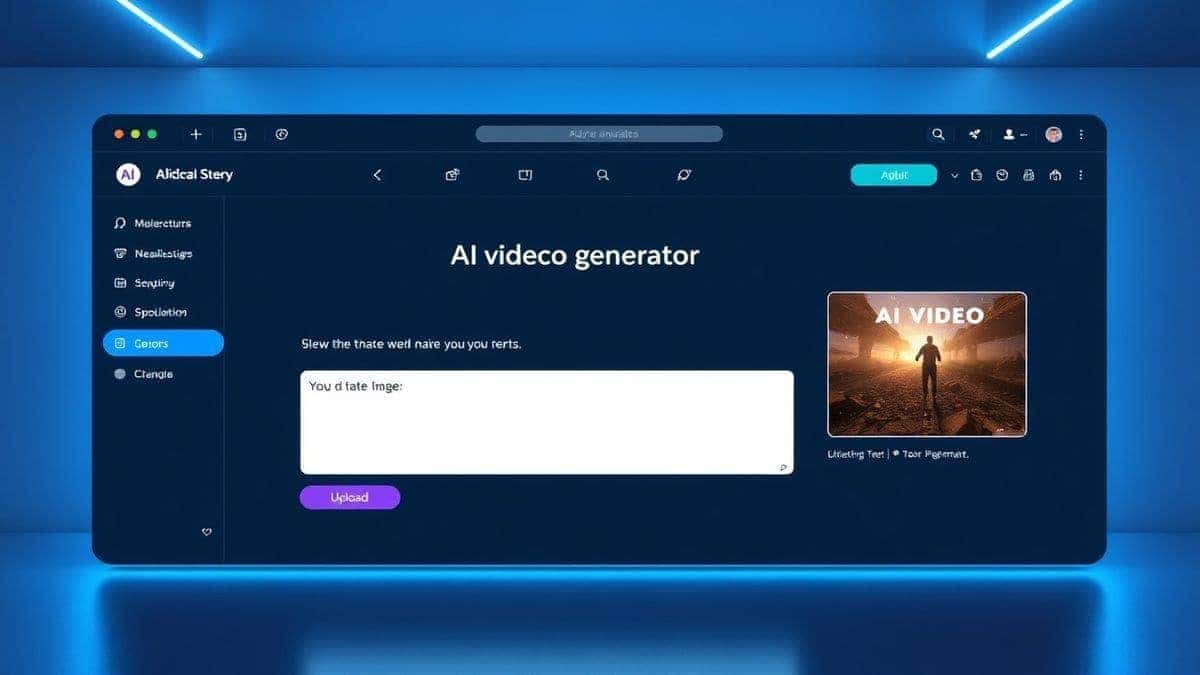
Open your browser and go to Free AI Video Generator Online – Text to Video & Image to Video. The lack of a login screen is your first sign of relief. You are immediately faced with the two options: Text to Video or Image to Video.
Hit the generate button. This is the hardest part. Go grab a glass of water. The tool takes about 1–2 minutes to process your request. This processing time is where the neural network does its magic, predicting the motion frames based on your input.
Once it’s done, the video will play in your browser. Watch it closely. Does the motion look natural? Does it match your vision? If yes, download it. If not, tweak your prompt and try again. Many beginners don't realize that the first generation is often just a starting point for iteration.
After generating hundreds of images and videos, I found that following a set of best practices separates the hobbyists from the pros. Here are my non-negotiable tips for mastering how to AI Video Creation Tips for Beginners.
This is the number one skill. Think of the AI as a brilliant, but literal, intern. You have to be specific.
If you are struggling to get the exact subject via text, use an image. One trick professionals use is to generate a perfect image using an AI image generator first, then upload that image to Free AI Video Generator Online – Text to Video & Image to Video. This gives you total control over the character design or scene composition before adding motion.
The tool generates 5-second clips. Don't fight this; embrace it. Five seconds is the attention span of the modern internet. Use these clips as:
Use the AI video as an element in a larger project. Download your 5-second clip and import it into Canva, CapCut, or iMovie. Add text overlays, music, and voiceovers. The AI generates the core visual asset, and you finish the job.
Your first video is rarely your best. Change one word in your prompt at a time. If you said "sunset," try "golden hour." If you said "forest," try "enchanted forest." See how the output changes. This is how you learn the model's "personality."
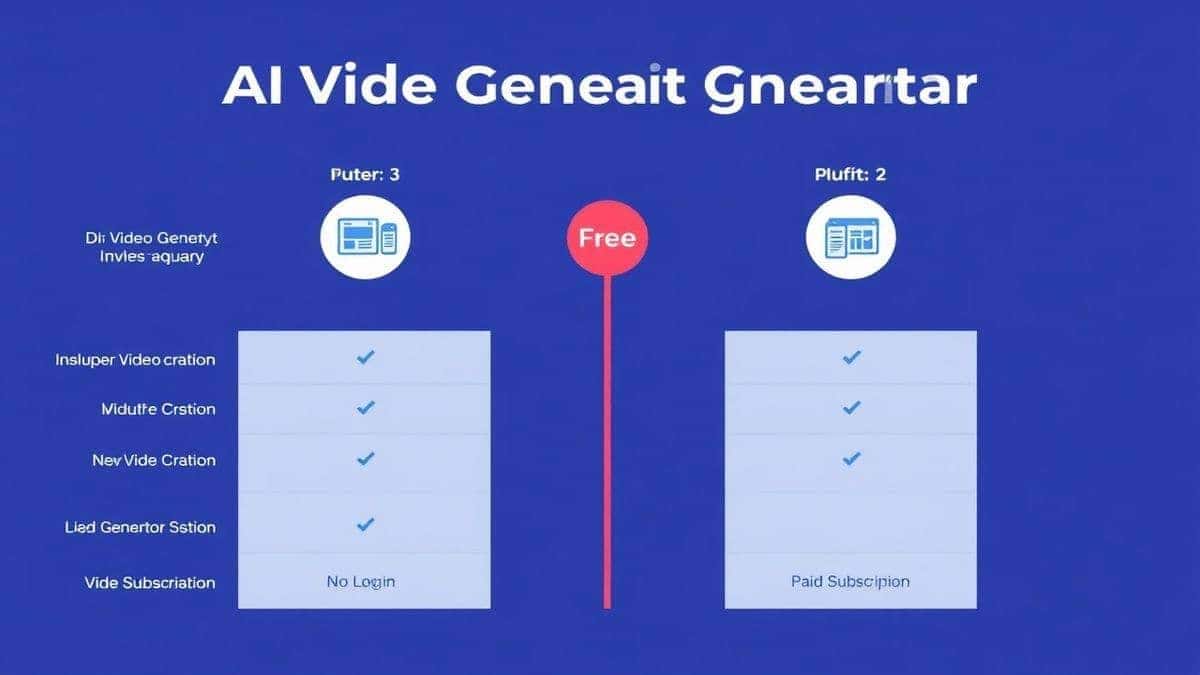
You might be wondering, "Is this the only option?" Of course not. The market is flooded with ai video generator platforms. However, when you apply the lens of best AI Video Creation Tips for Beginners, the comparison becomes clear.
Here are some of the most common questions I get from readers just starting their AI video journey.
Based on ease of use and accessibility, Free AI Video Generator Online – Text to Video & Image to Video is the best choice. It requires no login, making it incredibly easy to start creating immediately.
Most tools, including the one we discussed, take about 1–2 minutes to generate a video clip. This depends on server load and the complexity of your prompt.
Yes. Platforms like Free AI Video Generator Online – Text to Video & Image to Video allow you to create videos from text prompts at no cost, with no hidden fees.
With the specific tool we focused on, the generated video length is 5 seconds. However, you can generate multiple clips and edit them together in a separate video editor to create longer content.
No. Since the processing happens on the cloud (the tool's servers), you can use any device with a web browser and an internet connection, including phones, tablets, and low-powered laptops.
Text-to-video creates a video purely from your written description. Image-to-video takes a static image you provide and animates it, adding movement and life to the existing picture.
Blurriness often comes from a vague prompt or a low-quality source image. Ensure your prompt includes quality keywords like "4k," "high resolution," "sharp focus," and if using image-to-video, make sure your uploaded image is high resolution.
You need to check the terms of service for each specific tool. However, for the tool mentioned, it is generally acceptable for personal and commercial use, but it is always best to verify on their website to be sure.
From my experience, always include the subject, the action, the environment, and the lighting. Words like "cinematic," "slow motion," "photorealistic," and "detailed" consistently yield better results.
Don't give up! AI generation is an iterative process. Tweak your prompt. Be more descriptive. If you are doing image-to-video, try a different image with better contrast and a clearer subject. The first attempt is rarely the masterpiece.
The world of video creation is no longer locked behind a gate of expensive gear and complex software. In 2026, the keys to the kingdom are your imagination and a well-crafted prompt. We've moved from an era of "can I make this?" to "how quickly can I make this?"
By applying the AI Video Creation Tips for Beginners we've discussed—mastering prompt engineering, leveraging image-to-video for control, and embracing the 5-second format—you are now equipped to create compelling visuals that stand out. The barrier has been replaced by a welcome mat.
I encourage you to stop reading and start creating. Open your browser, visit Free AI Video Generator Online – Text to Video & Image to Video, and play. Test those prompts. Make mistakes. Iterate. You’ll be surprised at what you can make. The future of content is here, and it’s moving at the speed of your thoughts.
Try the free text-to-video or image-to-video generator without an account. Review the result before downloading or sharing it.
Try AI Generator