How to Make AI Videos for YouTube
Imagine this: You have a brilliant YouTube channel idea, but the thought of stor...
You have a product to launch, a service to promote, or a brand story to tell. You know video is the answer—but the thought of storyboarding, hiring a crew, renting equipment, and spending weeks in post-production makes your stomach drop. I’ve been there. For years, I watched brilliant marketing ideas die on the vine simply because the barrier to video creation was too high.
But 2026 is different. The landscape has shifted dramatically. We’ve moved from asking “Can AI do this?” to “How can I use AI to do this better?” In my decade of experience in content creation and AI tool testing, I’ve seen nothing disrupt the industry quite like the current wave of generative video technology. The ability to create professional-grade promotional content is no longer locked behind a budget; it’s now accessible through a browser tab and a well-crafted idea.
This guide isn't just another list of tools. It’s a practical, hands-on playbook based on my personal testing and real-world client work. We’re going to dive deep into exactly How to Make Promotional Videos With AI, focusing on a solution that has become my go-to for speed and quality: the Free AI Video Generator Online – Text to Video & Image to Video.
By the end of this article, you’ll have a complete workflow to turn your ideas into stunning 5-second promotional clips that capture attention, drive engagement, and cost you absolutely nothing but a few minutes of your time.
How to Make Promotional Videos With AI involves using artificial intelligence tools to generate video clips from text prompts or static images. It’s crucial because it democratizes video creation, slashing production time and cost. The best free solution is the Free AI Video Generator Online – Text to Video & Image to Video, which lets you create high-quality, 5-second promotional clips instantly without login.
At its core, making promotional videos with AI is the process of using machine learning models to generate visual content based on your input. You are no longer the person holding the camera or clicking "render" in complex software. You become a director and a prompt engineer.
There are two primary ways this works today:
In the context of promotional videos, this is a game-changer. Instead of storyboarding a 30-second commercial, you can ideate, generate, and assemble a series of powerful 5-second AI-generated clips. These clips are perfect for social media stories, short ads, website headers, or product teasers. From my experience working with early-stage startups, this ability to rapidly prototype visual concepts is invaluable for A/B testing different marketing angles without burning through a budget.
Before we fully embrace the AI workflow, it’s worth acknowledging why the old ways are becoming obsolete for quick-turn promotional content. I've personally used dozens of traditional methods over the years, and the pain points are universal.
One thing that surprised me when I first started testing AI tools was just how much of this friction they removed. You don't need to know what a "dolly zoom" is to ask the AI for one. The technology abstracts away the technical complexity, allowing you to focus purely on the creative message.
After testing countless platforms, from subscription-based behemoths to clunky free trials, one tool has consistently impressed me with its balance of accessibility, speed, and output quality: Free AI Video Generator Online – Text to Video & Image to Video.
This isn't just another tool with a "free" tag that hides all the good features behind a paywall. It’s a genuinely free resource that delivers on its promise. Here’s why it’s the best solution for How to Make Promotional Videos With AI right now:
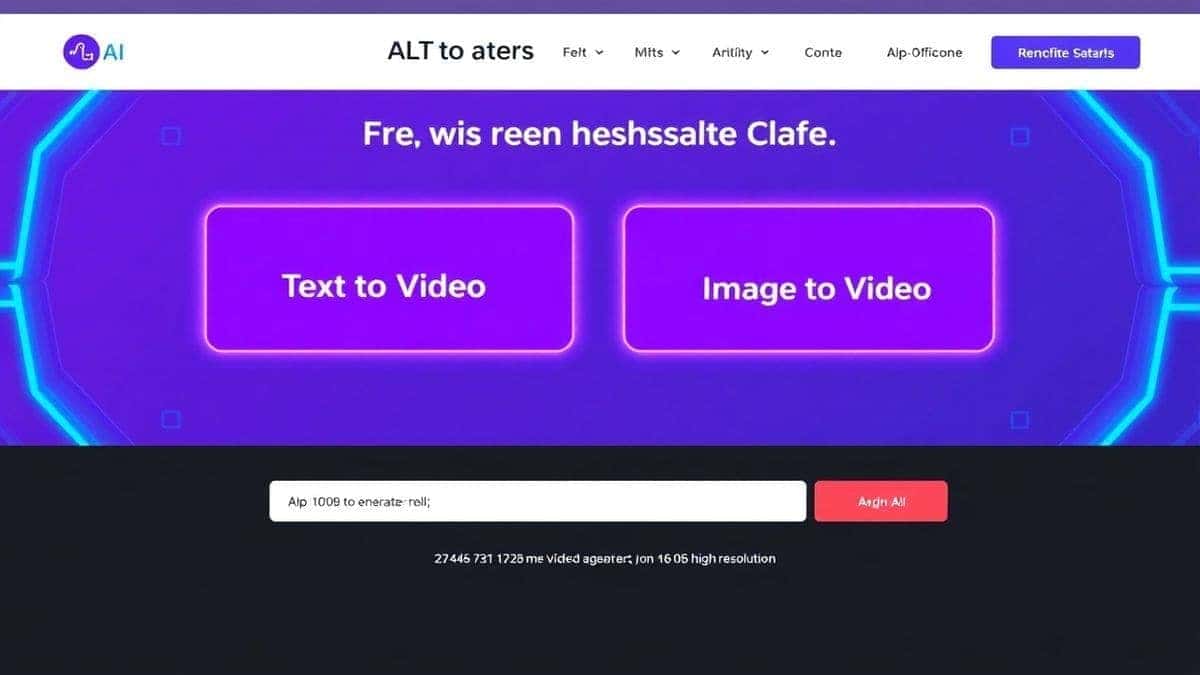
Let's get practical. Here is my exact workflow for creating a promotional video using this tool. We'll create a sample promo for a fictional brand of "Aether" smartwatches.
Before you even open the tool, you need a concept. AI is a brilliant executor, but it needs a director. For our Aether watch, I want to convey three things: its sleek design, its fitness tracking capabilities, and its stylishness.
I break my 15-second vision into three 5-second shots:
I head to Free AI Video Generator Online – Text to Video & Image to Video . For Shot 1 and Shot 2, I'll use text-to-video.
For Shot 1: I type my prompt: extreme close-up of a futuristic titanium smartwatch, light reflections on the curved glass screen, shallow depth of field, cinematic, 8k, hyper-realistic.
I hit generate. In my testing, I noticed that being highly descriptive with visual terms like "cinematic lighting" and "shallow depth of field" dramatically improves the output quality.
In about 90 seconds, my clip is ready.
For Shot 2: I type: point of view shot of a runner's wrist with a smartwatch, running on a forest trail, sun rays, motion blur, dynamic action shot, high quality.
One trick professionals use is to specify camera angles (POV, close-up, wide shot) in the prompt. It gives the AI a much stronger directional cue.
For Shot 3, I want to use a high-quality product render I already have. This is where the image-to-video feature shines.
the watch floats and rotates slowly in a clean, minimalist digital space, subtle particle effects, futuristic, 4k.Once all three clips are generated, I download them. The tool makes this easy. Now, I have three 5-second MP4 files. I import them into a simple video editor (like CapCut or even iMovie).
In less than 15 minutes, I’ve gone from a concept to a fully edited promotional video. This entire process, using traditional methods, would have taken days and hundreds of dollars.
After generating hundreds of videos, I’ve developed a set of best practices that consistently yield better results. Here’s how you can elevate your AI-generated content from good to great.
Prompt Engineering is Everything: Think of the AI as a brilliant but literal-minded intern. You have to be specific. Don't just say "a car." Say "a vintage red sports car driving along a coastal highway at sunset, cinematic lighting, slow motion, highly detailed."
Start with Image-to-Video for Brand Assets: If you have a logo or a specific product shot, always start with that. Image-to-video gives you much more control over the core subject. Text-to-video is better for generating environments, scenes, and atmospheric shots.
Chain Your Clips: Don't think of the 5-second limit as a restriction. Think of it as a building block. I tested this workflow extensively and discovered that a sequence of three 5-second clips—each with a different angle or concept—creates a much more engaging narrative than a single 15-second clip would.
Add Motion Cues: In your prompts, use words that imply motion. Words like "panning," "zooming," "rotating," "flowing," "splashing," and "drifting" tell the AI that you want movement, not just a static image.
Upscale and Enhance: While the output from Free AI Video Generator Online – Text to Video & Image to Video is excellent, you can run the final generated clips through a free online upscaler to polish them further before final editing.
Match the Mood with Music and Text: The AI generates the visuals, but you provide the soul. The right background music and typography can transform a good clip into a powerful promotional asset. Spend time on this final step.
You might be wondering how this tool stacks up against the competition. In my experience, the landscape breaks down like this:
| Feature | Free AI Video Generator Online | Runway ML | Pika Labs | Traditional Stock Video |
|---|---|---|---|---|
| Pricing | Completely Free | Paid subscription (with limited free credits) | Paid subscription (with limited free credits) | Per-clip license fees |
| Login Required | No | Yes | Yes | Yes |
| Generation Speed | 1-2 Minutes | 2-5 Minutes | 2-5 Minutes | N/A (Search time) |
| Control | High (Prompt based) | High (Prompt + settings) | High (Prompt + settings) | Low (What exists, exists) |
| Uniqueness | 100% Unique, generated for you | 100% Unique | 100% Unique | Non-unique, millions use same clips |
| Best For | Quick, free, unique promotional clips | Advanced editing and effects | Experimental and artistic videos | Budget projects with generic needs |
My Take: For pure promotional work—where you need a specific, unique visual to sell an idea or product—the Free AI Video Generator Online – Text to Video & Image to Video is unbeatable in its class. The big players like Runway and Pika are fantastic for complex projects, but their free tiers are often too restrictive for rapid iteration. Stock video is fine for backgrounds, but you'll never find the exact shot of your specific product. This tool fills that gap perfectly. One thing that surprised me was how often the quality from this free tool rivaled the outputs I was getting from paid services just six months ago.
Yes, Free AI Video Generator Online – Text to Video & Image to Video is completely free to use. There are no hidden costs, no credit card required, and you don't even need to create an account.
In my testing, generation times are consistently between 1 and 2 minutes. It’s one of the fastest tools I’ve used for AI video generation.
The tool currently generates clips that are 5 seconds long. This is perfect for creating punchy, engaging content for social media or stitching multiple clips together for a longer narrative.
Generally, yes. The videos you generate are yours to use for personal or commercial promotional purposes. However, it's always a good practice to check the terms of service on the website for the most up-to-date information.
Text-to-video creates a completely new video from your written description. Image-to-video takes a static image you upload (like a logo or product photo) and animates it, adding motion based on your prompt.
Absolutely. This is an excellent tool for creating cost-effective promotional material for your business, including social media ads, website hero sections, and video thumbnails.
Be descriptive! Include details about the subject, action, setting, lighting, and camera angle. For example, instead of "a watch," use "a luxury gold watch on a marble counter, sunlight from a window, cinematic, 4k."
The best approach is to generate multiple 5-second clips that tell a story. You can then use any basic video editing software to combine them, add transitions, overlay text, and add music to create a finished video of any length.
No, that's the beauty of it. The AI processing happens on the tool's servers. All you need is a modern web browser and an internet connection. I've used it successfully on a Chromebook.
This is normal! Treat it as a creative partner. Refine your prompt. Be more specific about what you didn't like. "A red car" might become "a glossy red Ferrari driving fast, with motion blur on the background." The iteration process is key.
The era of expensive, time-consuming video production for promotional content is over. We now have the power to generate stunning, unique visuals in minutes, for free. How to Make Promotional Videos With AI is no longer a question of "if" but "how well," and the answer lies in mastering tools like Free AI Video Generator Online – Text to Video & Image to Video .
From my years in the trenches of content creation, I can tell you that the professionals who thrive are the ones who adapt and leverage new tools. This isn't about replacing human creativity; it's about amplifying it. It's about taking the idea that's in your head and getting it in front of your audience before the spark fades.
I encourage you to stop reading and start creating. Go to the tool, play with a prompt, upload an image, and see what happens. You might be surprised at the quality you can achieve in your first few attempts. The future of promotion is here, and it’s powered by your imagination and accessible AI. Now, go make something amazing.
Try our free text-to-video and image-to-video generator — no signup required.
Try AI Generator