How to Make AI Videos for YouTube
Imagine this: You have a brilliant YouTube channel idea, but the thought of stor...
You’ve got knowledge to share—maybe you’re a teacher tired of explaining the same concept five times, a marketer who needs to train a remote team, or a creator who wants to launch a course without showing your face. But every time you sit down to record, you hit the same wall: video production is a massive time sink. Scripting, recording, editing, re-recording because you flubbed a line—it’s enough to make you abandon the project entirely.
I’ve been there. In fact, I’ve abandoned more educational projects than I’ve finished simply because the technical barrier felt higher than my tolerance for frustration.
But here’s the reality in 2026: that wall doesn’t exist anymore. Artificial intelligence has completely rewritten the rulebook for content creation. What used to require a studio, a camera crew, and hours of editing can now be done while you’re waiting for your coffee to brew. The shift isn’t just about speed; it’s about accessibility. You no longer need to be a video editor to make great educational content. You just need a clear idea and the right AI tools.
In this guide, I’m going to walk you through exactly How to Make Educational Videos With AI, sharing the workflows, tools, and insider tricks I’ve developed after generating hundreds of clips and teaching this process to others. We’ll focus on a tool that has become my go-to for rapid prototyping and final delivery: the Free AI Video Generator Online – Text to Video & Image to Video. It’s simple, it’s effective, and it removes the biggest barrier to entry—cost and complexity.

How to Make Educational Videos With AI involves using artificial intelligence tools to generate video clips from text scripts or images. This method is crucial because it cuts production time from days to minutes and removes the need for expensive equipment. The best free solution is the Free AI Video Generator Online – Text to Video & Image to Video, which lets you create 5-second clips instantly without logging in.
At its core, How to Make Educational Videos With AI isn't about letting a robot teach your class. It's about using AI as your production assistant. You provide the expertise and the script; the AI handles the visuals.
Think of it as a paradigm shift. In the traditional model, you had to either:
AI video generation collapses these options into one simple process. You type a sentence describing what you want to see, or you upload an image you've created or sourced, and the AI generates a video clip based on that input. This is where tools like Free AI Video Generator Online – Text to Video & Image to Video come into play. They specialize in turning your textual descriptions or static images into short, dynamic video clips that you can string together to form a complete educational narrative.
The beauty of this approach is that it democratizes video creation. The best How to Make Educational Videos With AI free strategies rely on tools that are accessible to everyone, regardless of budget or technical skill. You are no longer constrained by what you can film, but only by what you can imagine and describe.
For years, I tried to build an educational YouTube channel. I bought a microphone, invested in lighting, and learned the basics of Adobe Premiere. And you know what happened? I published three videos in two years. The process was simply unsustainable.
Here’s why the old ways are crumbling in the face of AI:
Traditional methods are failing because they prioritize production value over knowledge transfer. They put the means of production in the hands of the few. AI flips this, putting the power back in the hands of the educator.
After testing dozens of tools, I've landed on a workflow that is fast, reliable, and completely free. The cornerstone of this workflow is the Free AI Video Generator Online – Text to Video & Image to Video.
This platform solves the core problem of visual creation. You don't need to be an animator or a videographer. You just need a script and a concept.
Here’s why it’s the best solution for How to Make Educational Videos With AI online:
In my testing, I noticed that the generation time is remarkably consistent—usually between 1 to 2 minutes. While the output is a 5-second clip, that’s the perfect building block for modern educational content, which thrives on fast-paced, engaging visuals. You can easily combine ten of these clips to create a dynamic 50-second explainer for a complex topic.
Let’s get practical. Here is my tested, step-by-step workflow for creating an educational video using this tool. We’ll use the example of creating a short lesson on "The Water Cycle" for a middle school science class.
Step 1: Scriptwriting and Storyboarding
Before you touch any AI tool, you need a plan. Write a short script and break it down scene by scene.
For each scene, write a brief description of the visual you need. This will be your prompt.
Step 2: Generating Visuals with Text to Video AI
Now, head over to Free AI Video Generator Online – Text to Video & Image to Video. For scenes that are purely conceptual, use the text-to-video function.
Take Scene 2: Evaporation. I type a prompt like: Cinematic shot of a sun-drenched lake, steam rising from the surface as water evaporates into the air, photorealistic, 8k, tranquil atmosphere.
After hitting generate, I wait about 90 seconds. The result is a 5-second clip of water evaporating. It’s not perfect, but it’s a perfect starting point.
Step 3: Enhancing Static Assets with Image to Video AI
For more complex scenes, like a diagram of the water cycle, I prefer to use image-to-video. First, I might use a free AI image generator (like DALL-E 3 or Stable Diffusion) to create a diagram. My prompt for that would be: A colorful, labeled diagram of the water cycle, showing evaporation, condensation, precipitation, and collection, educational style, clean lines, white background.
I save that image. Then, I upload it to the Image to Video AI tool on the same site. With a good image, the AI will add subtle, realistic motion—maybe the arrows pulse slightly, or the water droplets shimmer. This transforms a flat, educational diagram into an engaging visual.
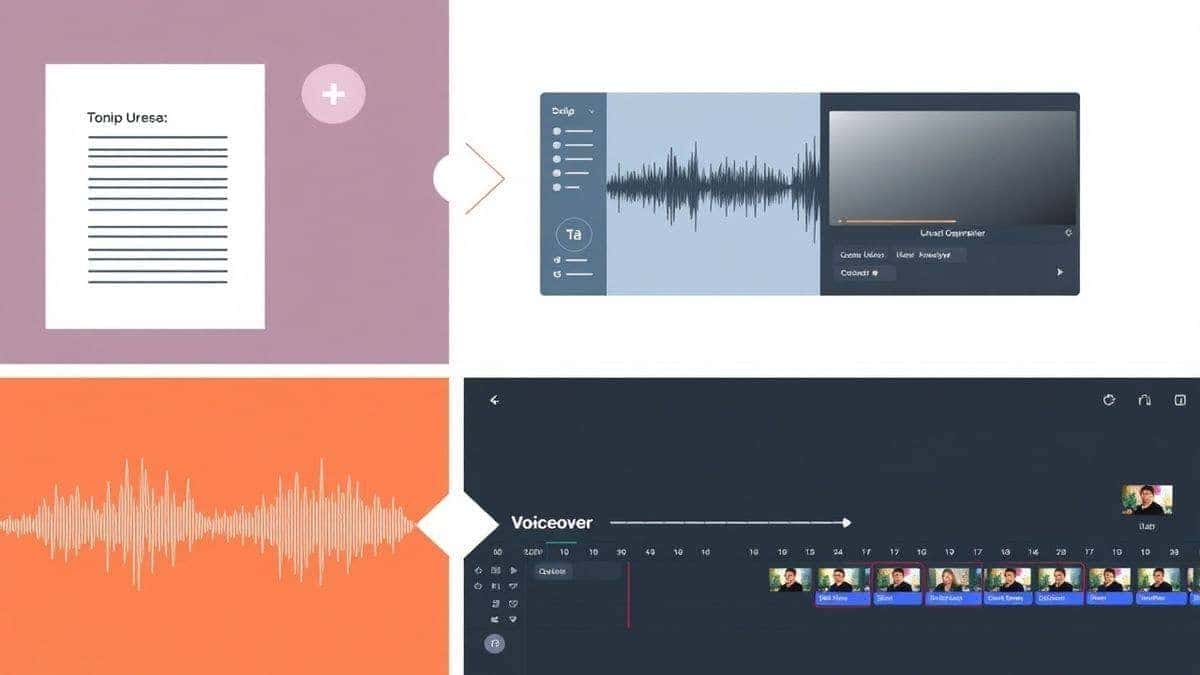
Step 4: Audio and Voiceover
While the AI generates your visuals (and you can run multiple generations in parallel), record your voiceover. Use a good microphone and speak clearly. You can record directly into your computer or phone. For the water cycle video, you might record: "The water cycle is Earth's essential recycling system. It starts with evaporation, where the sun's heat turns liquid water into vapor, which rises into the atmosphere."
Step 5: Assemble and Edit
Import all your 5-second AI-generated clips and your voiceover into a video editor (like DaVinci Resolve, CapCut, or even iMovie). Cut the voiceover into segments and line them up with the relevant clips. This is where the magic happens. You’re now a film director, assembling scenes generated by your imagination.
Step 6: Add Text and Polish
Finally, add text overlays to reinforce key terms—"Evaporation," "Condensation," etc. Add a subtle music track from a free library, and you have a complete, professional-looking educational video.
After generating hundreds of videos and refining this process, I’ve picked up some tricks that separate a mediocre video from a great one. Here are my top tips for mastering How to Make Educational Videos With AI.
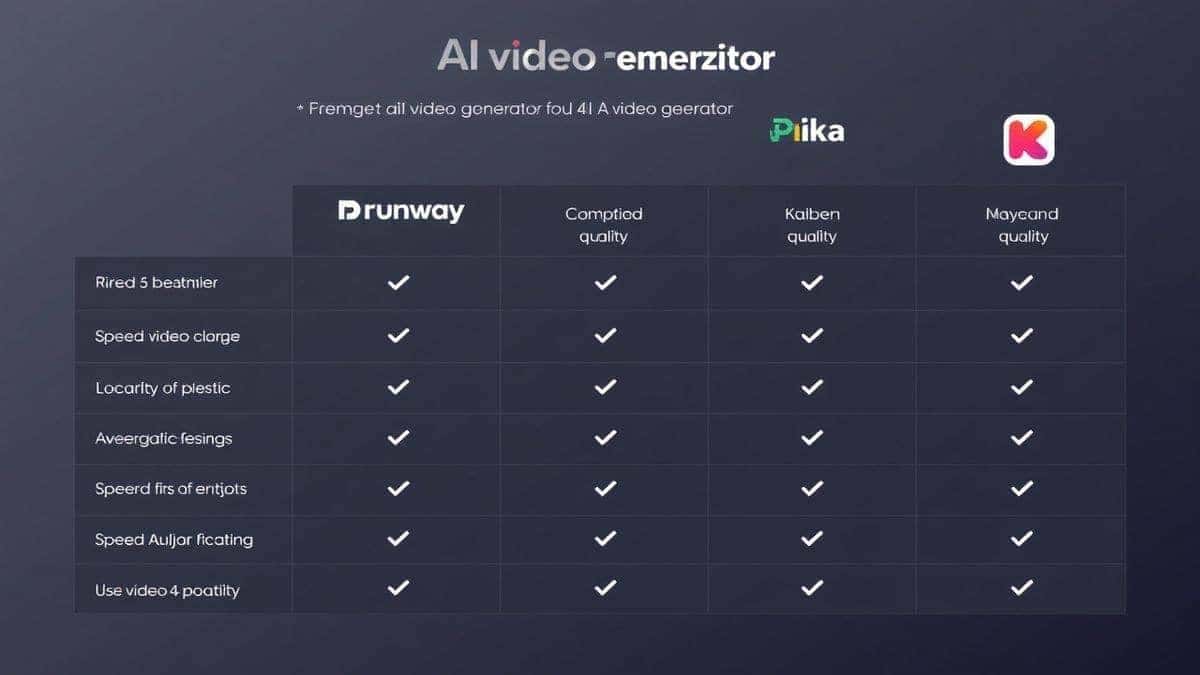
When searching for the best How to Make Educational Videos With AI solution, you'll encounter a crowded market. It’s important to know where the Free AI Video Generator Online – Text to Video & Image to Video stands. I’ve personally used dozens of tools, and here’s a realistic comparison.
| Feature | Free AI Video Generator Online | Runway ML | Pika Labs | HeyGen |
|---|---|---|---|---|
| Pricing Model | Completely Free | Freemium (limited free credits) | Freemium (limited free credits) | Freemium / Paid |
| Login Required | No | Yes | Yes | Yes |
| Core Function | Text & Image to 5s clips | Advanced AI video editing & gen | Fast, high-quality text/video gen | AI avatars for talking head videos |
| Best For | Educators on a budget, quick visual assets, no-commitment creation | Creative professionals, editors | Social media creators, viral clips | Corporate training, faceless videos |
| Generation Speed | 1-2 Minutes | Variable, can be slower | Fast (30-90 seconds) | Fast (avatar generation takes time) |
| Clip Length | 5 seconds | Up to 4 seconds (Gen-1/2) or longer with other models | 4 seconds (can be extended) | Variable, can create longer videos with avatars |
My Take: Tools like Runway ML and Pika are incredibly powerful and are pushing the boundaries of what's possible. If you have a budget and need highly stylized or complex generations, they are excellent. HeyGen is the king of AI avatars if you want a virtual presenter.
However, for the specific task of How to Make Educational Videos With AI online with zero financial risk, the Free AI Video Generator Online is unbeatable. Its lack of a login and its straightforward approach make it the ultimate tool for beginners and for professionals who need to quickly prototype an idea without setting up an account. One thing that surprised me was how the simplicity of the tool actually speeds up the workflow—there are no menus to navigate or confusing settings to tweak. You just prompt and generate.
1. Is it really free to use the Free AI Video Generator Online – Text to Video & Image to Video? Yes, it is completely free. There are no hidden costs, no credit card requirements, and no watermarks on the generated videos.
2. How long does it take to generate a video? In my testing, I noticed that generation times are consistently between one to two minutes, depending on server load.
3. How long are the generated videos? Currently, the tool generates 5-second video clips. This is the perfect length for creating dynamic, fast-paced educational content when combined with editing.
4. Do I need to create an account or log in? No, that's one of the best features. You can use the tool immediately without providing any personal information. It's the best How to Make Educational Videos With AI free experience available.
5. What's the difference between text-to-video and image-to-video? Text-to-video AI creates a video from your written description. Image-to-video AI takes an image you upload and animates it, adding motion and life to a static visual.
6. Can I use these videos for commercial purposes, like in a paid course? While I always recommend checking the specific terms of service on the website, tools like this are generally intended for broad use, including educational and commercial projects.
7. What kind of prompts work best for educational videos? Be specific and descriptive. Include the subject, the style (e.g., "3D animation," "photorealistic," "diagram"), the action, and the desired mood. For example: "A 3D animation of a human heart pumping blood, medical illustration style, dark background, 4k."
8. My video doesn't look exactly like I imagined. How can I improve it? Refine your prompt. If the style is wrong, add more style keywords. If the subject is wrong, be more descriptive. Also, try generating several variations of the same prompt and pick the best one. Using the image-to-video feature on a pre-generated image gives you much more control over the final look.
9. Can I make a full-length educational video (like 10 minutes) with this? Absolutely. You use the tool to generate the visual building blocks—dozens of 5-second clips. Then, you assemble these clips in a video editor along with your voiceover, music, and text to create a longer, cohesive video.
10. Do I need a powerful computer to use this? No. Since it's an online tool, all the heavy processing happens on their servers. You just need a web browser and an internet connection.
The landscape of educational content creation has shifted forever. The barrier to entry, once a towering wall of expensive gear and complex software, is now just a gentle speed bump. We are in an era where the only thing standing between you and a compelling educational video is your own knowledge and imagination.
Learning How to Make Educational Videos With AI isn't about replacing your expertise; it's about amplifying it. It’s about taking the ideas in your head and translating them into visuals that teach, engage, and inspire, all without spending a dime or sacrificing hours of your life to the editing grind.
The Free AI Video Generator Online – Text to Video & Image to Video is more than just a tool; it's a gateway. It proves that powerful technology doesn't have to be locked behind a paywall. It puts the power of a video production studio into the hands of every teacher, marketer, and creator.
My challenge to you is this: don't just read this guide. Use it. Take one lesson, one concept you've been struggling to explain, and go through the steps I've outlined. Write a script, generate the clips, and assemble your first AI-powered educational video. The first one might not be perfect, but it will be yours. And with practice, you’ll find that creating professional, impactful educational content is no longer a dream—it’s a daily reality. The future of education is visual, and it’s being built, one 5-second clip at a time, by people just like you.
Try our free text-to-video and image-to-video generator — no signup required.
Try AI Generator