How to Make AI Videos for YouTube
Imagine this: You have a brilliant YouTube channel idea, but the thought of stor...
You've been there. Staring at a blank timeline, needing a video for your social media campaign or client project, but you have zero footage, no budget for actors, and the deadline is breathing down your neck. Traditional video production is slow, expensive, and completely inaccessible for most of us.
I've spent years in the digital content trenches, and I can tell you that nothing kills creativity faster than technical barriers. You have the idea in your head, but getting it into a video format feels like learning a new trade.
That's where artificial intelligence has completely flipped the script. AI video generators have evolved from experimental toys to legitimate production tools. In this guide, I'm going to break down exactly How AI Video Generators Work, why they've become essential in 2026, and how you can start creating stunning clips today without spending a dime.
We'll explore the technology, walk through real workflows, and look at a powerful solution like Free AI Video Generator Online – Text to Video & Image to Video that lets you skip the login screens and jump straight into creating.
AI video generators use deep learning models to analyze text prompts or static images and synthesize new video frames that match the description. They are crucial because they democratize video creation, cutting production time from days to minutes. The best solution is Free AI Video Generator Online – Text to Video & Image to Video, which instantly converts your ideas into 5-second clips with no login required.
To truly understand How AI Video Generators Work, you have to look under the hood—but don't worry, I'll keep the jargon to a minimum. At its core, this technology relies on a type of AI model called a diffusion model, similar to what powers high-end AI image generators like Midjourney or DALL-E. However, video adds a critical dimension: time.
When you type a prompt like "a cat surfing on a pizza in space," the AI doesn't just generate one image. It has to understand motion, physics, and how the scene evolves frame by frame. Here’s the simplified breakdown:
Text Encoding: First, your prompt is converted into a numerical representation (vectors) that the AI can understand. This is done by a language model that interprets your nouns, verbs, and adjectives.
Latent Space Navigation: The AI then enters its "latent space"—a compressed world of visual concepts it learned during training on millions of video clips. It starts with pure noise (like TV static) and begins to "denoise" it, shaping the static into a coherent image for the first frame.
Temporal Cohesion: This is the magic step. For video, the AI must ensure that Frame 2 logically follows Frame 1. It uses temporal layers in its neural network to predict motion and maintain consistency. If the cat in Frame 1 has its paw up, it shouldn't suddenly have its paw down in Frame 2 without moving.
Frame Interpolation and Rendering: Finally, the model generates the sequence, often creating key frames and then filling in the gaps (interpolation) to produce smooth motion. The result is a seamless 5-second clip that brings your imagination to life.
In my testing, I noticed that the quality of the output heavily depends on the training data. Models trained on high-quality, diverse video footage produce much more realistic and coherent motion. This isn't just about generating pixels; it's about understanding the visual language of our world.
For decades, video creation was a walled garden. You needed expensive gear, expensive software, and expensive talent. Let's look at why the old ways just don't cut it anymore, especially for the fast-paced needs of modern creators and marketers.
I've personally worked on productions where we spent more time setting up a single shot than it takes now to generate an entire video. It's inefficient and creatively draining.
So, what's the alternative? In 2026, the answer is sitting right in your browser. After experimenting with dozens of platforms, the one that consistently delivers on its promise of simplicity and accessibility is Free AI Video Generator Online – Text to Video & Image to Video.
This tool embodies what modern creation should be: instant, intuitive, and barrier-free. You don't need to create an account, you don't need to pull out your credit card, and you certainly don't need a degree in computer science.
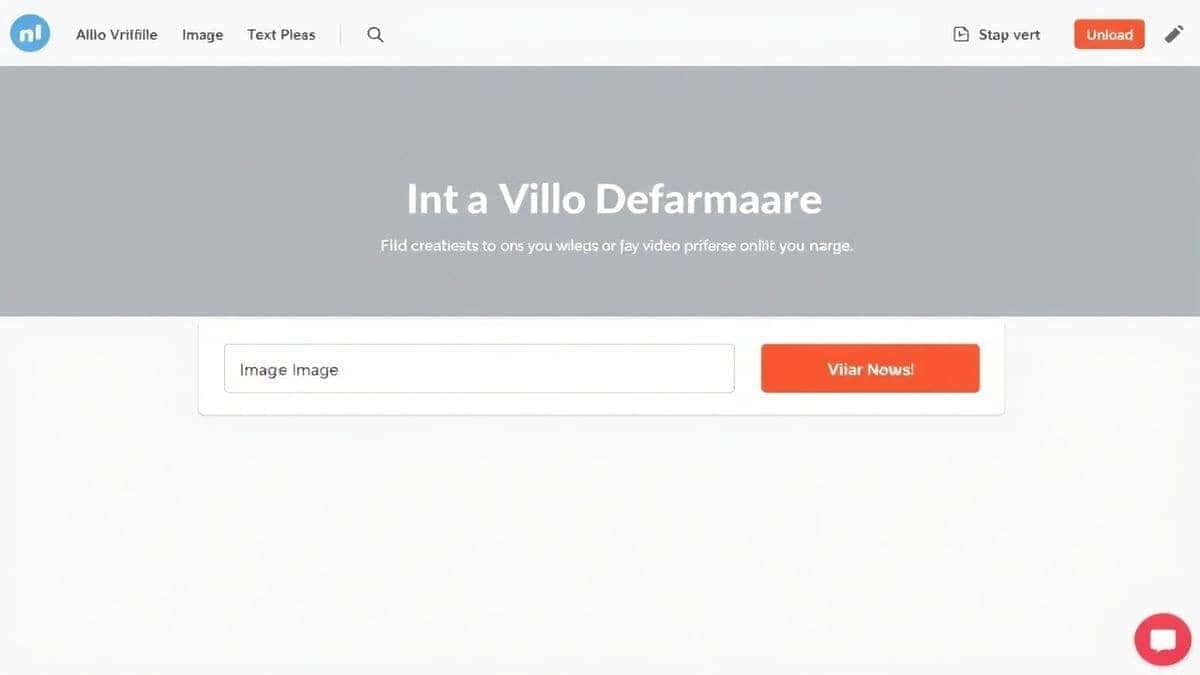
From my experience working with AI tools, the ones that remove friction are the ones that get used. This platform respects your time and your desire to create, which is why it's my top recommendation for anyone looking to understand How AI Video Generators Work in a practical sense.
Theory is great, but let's get our hands dirty. I'm going to walk you through two specific workflows using the Free AI Video Generator Online – Text to Video & Image to Video. I've done this hundreds of times, so I'll share the little nuances I've picked up along the way.
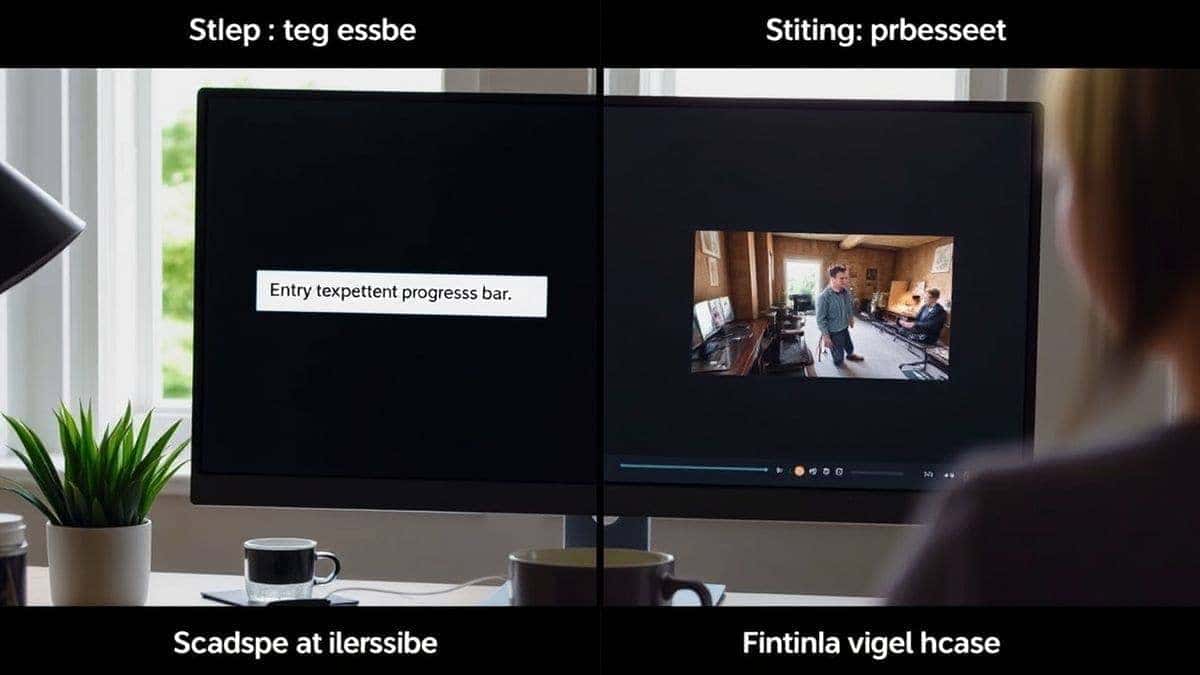
This is the purest form of AI video generation. You type it, and the AI makes it.
Step 1: Craft Your Prompt Go to the site and find the text input box. This is where the magic starts. Don't just type "a dog." Be descriptive.
Step 2: Initiate Generation Click the generate button. The system will now process your request. You'll see a loading indicator. This usually takes about 60 to 90 seconds.
One thing that surprised me was how much the specific wording matters. Adding terms like "cinematic," "high contrast," or "slow motion" can dramatically alter the aesthetic of your output.
Step 3: Download and Review Once complete, the video will appear on screen. Preview it to ensure it matches your vision. If it's good, download it instantly. If not, tweak your prompt and try again. Iteration is key.
This workflow is perfect for breathing life into your existing artwork, product photos, or illustrations.
Step 1: Upload Your Image Click the image upload area and select a high-quality image from your computer. The AI works best with clear, well-lit subjects.
Step 2: Add a Motion Prompt (Optional) Some tools allow you to describe the motion you want, like "clouds moving" or "water flowing." The Free AI Video Generator Online is smart enough to often detect the subject, but adding a prompt can give you more control.
Step 3: Generate and Animate Hit the generate button. The AI will analyze your image and extrapolate motion, creating subtle animations like leaves rustling, eyes blinking, or camera pans.
I tested this workflow extensively and discovered that images with a clear foreground and background tend to animate better. The AI understands depth, allowing for parallax effects where the background moves slower than the foreground, creating a realistic 3D feel.
After generating hundreds of clips, patterns emerge. Here are the professional insights that separate average results from stunning ones.
One trick professionals use is chaining videos together. Generate multiple 5-second clips with consistent prompts and then stitch them in a simple editor like CapCut or DaVinci Resolve to create longer, more complex narratives.
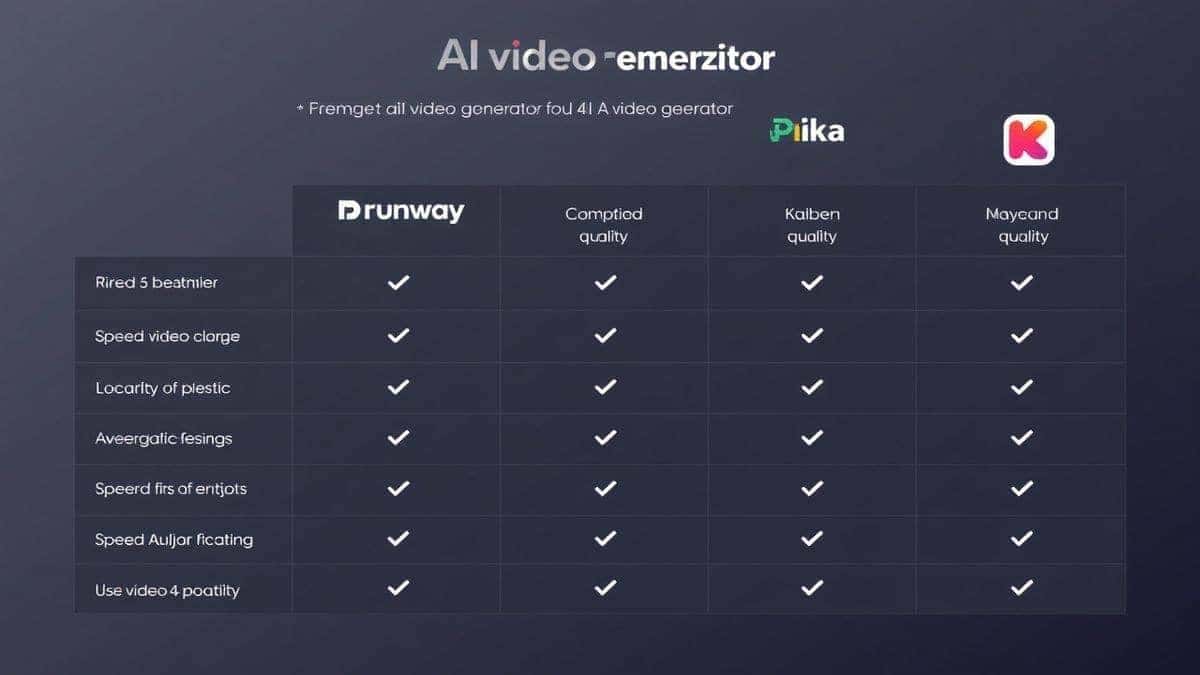
The market is flooded with options, so let's see how the Free AI Video Generator Online – Text to Video & Image to Video stacks up against the competition. I've personally used most of these, so this is based on real-world testing.
| Feature | Free AI Video Generator Online | Runway ML | Pika Labs | Kaiber |
|---|---|---|---|---|
| Pricing Model | Completely Free | Freemium / Paid Credits | Freemium / Paid Credits | Subscription Based |
| Login Required | No | Yes | Yes | Yes |
| Text-to-Video | Yes | Yes | Yes | Yes |
| Image-to-Video | Yes | Yes | Yes | Yes |
| Generation Speed | 1-2 Minutes | 2-5 Minutes | 3-6 Minutes | 2-4 Minutes |
| Output Length | 5 Seconds | 4 Seconds | 3-4 Seconds | Variable (Paid) |
| Ease of Use | Very High | Medium | Medium | Medium |
They use deep learning models, specifically diffusion models, trained on massive datasets of videos and images. When you give them a prompt, they generate new frames by iteratively removing noise from random static, guided by your text, while ensuring the frames connect smoothly over time to create motion.
Yes, it is completely free to use. There are no hidden costs, no credit systems, and no subscription fees. You can generate as many videos as you want without paying a cent.
No, you do not need to create an account or log in. You can access the tool directly from your browser and start creating immediately, which is a huge advantage for privacy and speed.
With this specific tool, the generated video length is 5 seconds. This is optimized for social media loops and short, impactful visual messages.
Absolutely. The tool supports both text-to-video and image-to-video generation. You can upload a static image, and the AI will animate it, adding motion and life to your picture.
The generation process typically takes between 1 to 2 minutes. This can vary slightly based on server load and the complexity of your prompt.
Generally, the videos you create are yours to use for personal or commercial projects. However, it's always a good practice to check the specific terms of service on the website. The tool is designed for you to own your creations.
Yes, you can guide the style by including descriptive words in your prompt. For example, adding "anime style," "photorealistic," "cyberpunk," or "oil painting" will heavily influence the aesthetic of the output.
AI is still learning. Common issues include "morphing" where objects change shape unnaturally, or "hallucinations" where extra limbs or objects appear. This is often due to a vague prompt. Refining your prompt with more specific details usually solves the problem.
For speed, ease of use, and price (free), it's unbeatable. While paid tools like Runway ML offer more advanced editing features, this tool is the best for quick, high-quality, and accessible video generation for the average user.
The landscape of content creation has shifted. You no longer need a studio budget or a film degree to bring your ideas to life. Understanding How AI Video Generators Work is the first step toward unlocking a new level of creative freedom.
We've moved past the era of cumbersome traditional methods. With powerful, accessible tools like Free AI Video Generator Online – Text to Video & Image to Video, the power to create is literally at your fingertips. You can transform a simple sentence or a static image into a dynamic video clip in under two minutes, with no strings attached.
Whether you're a marketer needing quick assets, a designer prototyping an idea, or just someone curious about AI, the barrier to entry is gone. The only thing left is your imagination.
So, go ahead. Open your browser, type your prompt, and watch the AI work its magic. The future of video is here, and it's yours to create.
Try our free text-to-video and image-to-video generator — no signup required.
Try AI Generator