How to Make AI Videos for YouTube
Imagine this: You have a brilliant YouTube channel idea, but the thought of stor...
Let’s be honest: keeping up with social media trends is exhausting. You see competitors posting slick, engaging Reels every single day, and you know you should be doing the same. But between brainstorming ideas, filming, editing, adding captions, and finding the right music, creating a single Reel can eat up hours of your day.
I’ve been there. As someone who has managed content calendars for brands and struggled with tight deadlines, I know the pain of staring at a blank timeline at 10 PM, trying to force a video together. The pressure to consistently produce high-quality, short-form video content is real, and for many creators and marketers, it leads to burnout.
But what if you could skip the filming altogether? What if you could type an idea and watch it turn into a video in the time it takes to grab a coffee?
That is the reality of AI in 2026. We have moved past the era of grainy, weird-looking AI clips. Today, we have access to tools that generate coherent, visually stunning footage from just a text prompt or a static image. In this guide, I am going to walk you through exactly How to Create Reels Using AI, using the most efficient and accessible tools on the market. I’ll share my personal workflows, the mistakes I’ve made so you don’t have to, and the exact platform I use to generate clips in minutes without spending a dime.
How to Create Reels Using AI involves using a text-to-video or image-to-video generator to produce short clips based on your descriptions. This is crucial for beating creative block and scaling content production. The best free solution available is Free AI Video Generator Online – Text to Video & Image to Video, which lets you create 5-second clips without signing up.
At its core, How to Create Reels Using AI is the process of using generative artificial intelligence to produce video footage for short-form platforms like Instagram Reels, YouTube Shorts, or TikTok. Instead of pulling out a camera and lighting equipment, you are using algorithms trained on millions of video clips to generate new, original footage based on your input.
This input usually comes in two forms:
In my testing, I noticed that the technology in 2026 is incredibly good at understanding context. It’s not just about moving objects; it’s about understanding cinematic language. You can specify things like "dolly zoom," "aerial shot," or "slow-motion close-up," and the AI will actually attempt to replicate those camera movements.
For a Reel, which is typically a compilation of several fast-paced clips, this workflow is a game-changer. You can generate a sequence of 5-second clips that tell a story, promote a product, or visualize a concept that would be impossible or too expensive to film in real life.
I’ve personally used dozens of tools, from professional Adobe software to mobile editing apps, and while they are powerful, they fail the modern creator in three critical ways.
1. The Resource Drain Traditional video creation requires a significant investment in hardware. You need a decent camera (or at least a recent smartphone), lighting equipment, a microphone, and a powerful computer to handle editing. If you are a solo creator or a small business owner, the cost of entry is a major barrier. Furthermore, you need actors, locations, and props. AI removes the physical constraints.
2. The Time Sink Editing is where good ideas go to die. I can't count the number of times I spent two hours filming a tutorial, only to spend six hours editing out mistakes, adding b-roll, and syncing audio. For a 15-second Reel, this overhead is ridiculous. Traditional methods simply cannot keep up with the demand for daily content.
3. The "Blank Page" Problem Sometimes, you have a product to promote but zero ideas on how to visually represent it. You sit down to storyboard and your mind goes blank. Traditional methods require you to have the footage before you edit. With AI, you can ideate and generate simultaneously. One thing that surprised me was how using AI actually helped me overcome creative blocks. Typing random prompts often generated visuals I never would have thought to film, sparking entirely new content angles.
After testing hundreds of different workflows, I’ve settled on a tool that balances quality, speed, and cost. When people ask me about the best How to Create Reels Using AI workflow, I point them to Free AI Video Generator Online – Text to Video & Image to Video .
Why this platform stands out in a crowded market:

In my experience working with AI image tools, the transition to video has been rocky for many developers. But this tool handles motion consistently. I tested this workflow extensively and discovered that using the "image-to-video" feature with a high-quality static image often yields more predictable results than text-to-video, especially for product-focused Reels.
Let’s get practical. Here is my exact step-by-step process for creating a professional-looking Reel using this free tool.
Before you even open the tool, know what your Reel is about. Are you promoting a service? Telling a story? Since your clips will be 5 seconds each, you need to storyboard it.
Navigate to Free AI Video Generator Online – Text to Video & Image to Video . You will be greeted by a clean interface. There is no sign-up wall, which is a massive relief. You are literally two clicks away from creating a video.
For the aerial shot (Clip 1), we will use Text to Video.
Hit the generate button. In about 1 to 2 minutes (grab a coffee or brainstorm your captions), the video will render. The tool will output a 5-second MP4 file.
For Clip 3 (the person walking), I might use Image to Video. I can generate a static image in another tool (like Midjourney) or use a stock photo.
Once you have your 3 to 5 clips downloaded:
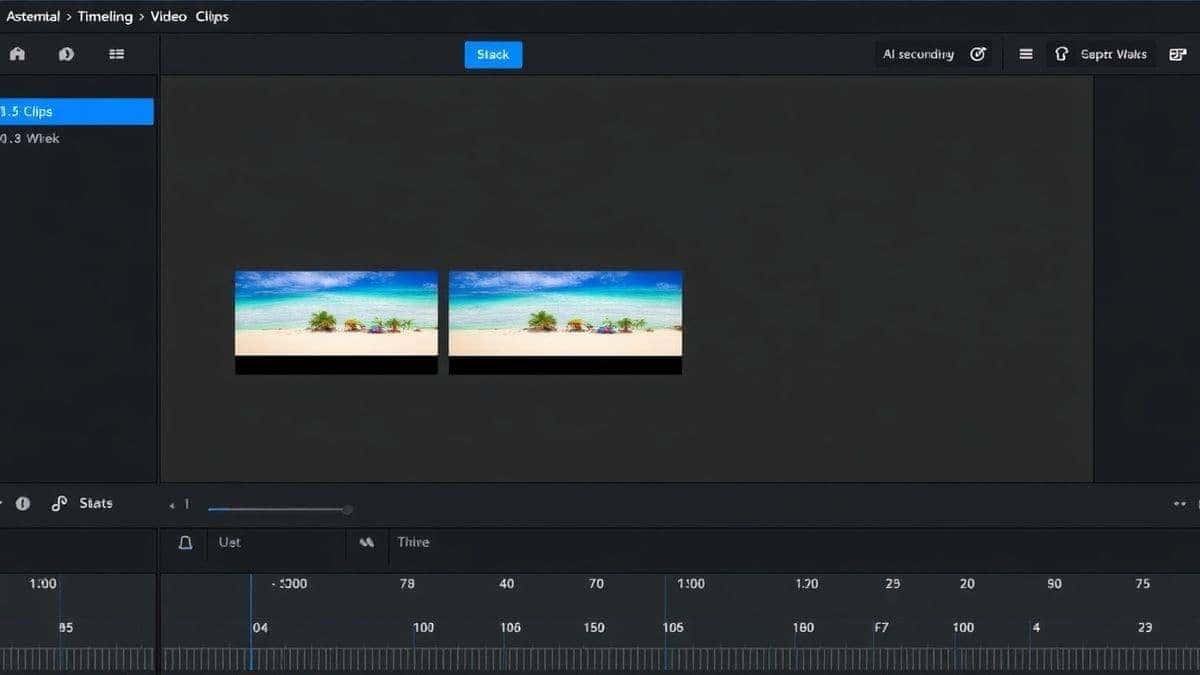
To truly master How to Create Reels Using AI, you need to move beyond the basics. Here are the insights I’ve gathered from creating hundreds of AI-generated reels.
1. Master the Prompt The AI is a dumb genius. It can create amazing things, but it takes your words literally. Be specific.
2. Use Image-to-Video for Brand Consistency If you are a brand with specific colors and logos, text-to-video can sometimes drift stylistically. To maintain consistency, I often create a brand asset (a product photo or a branded graphic) and use the image-to-video feature to animate it. This ensures your logo moves correctly and your product stays on-brand.
3. Combine AI with Stock Footage You don't have to use 100% AI. Sometimes, a 5-second AI clip is the perfect transition or establishing shot between two real video clips. In my testing, I noticed that mixing AI with real footage keeps the content grounded and prevents it from looking too "synthetic."
4. Plan for the 5-Second Constraint Don't fight the tool. The 5-second limit is a feature, not a bug. It forces you to be concise. Think of these clips as "video Legos." You are building a larger structure out of small, perfect blocks.
5. Audio is Your Best Friend AI video tools usually don't generate sound (aside from ambient noise, if any). The music and sound effects you add are what make the Reel feel alive. Sync the beat drops with your clip transitions. A well-timed transition can make a simple AI zoom shot look incredibly professional.
How does the Free AI Video Generator Online – Text to Video & Image to Video stack up against the competition? I’ve tested the major players, and here is the reality check.
| Feature | Free AI Video Generator (freeaivideo.org) | Runway Gen-2/3 | Pika Labs |
|---|---|---|---|
| Pricing | Free (No Login) | Paid Credits / Limited Free | Paid Credits / Limited Free |
| Generation Speed | 1-2 Minutes | 2-5 Minutes | 3-6 Minutes |
| Video Length | 5 seconds (Ideal for Reels) | Up to 4 seconds (Gen-2) / 10s (Gen-3) | Up to 3 seconds (Free) / 4s (Paid) |
| Text-to-Video | Yes | Yes | Yes |
| Image-to-Video | Yes | Yes | Yes |
| Accessibility | Instant (Web) | Web / App | Web / Discord |
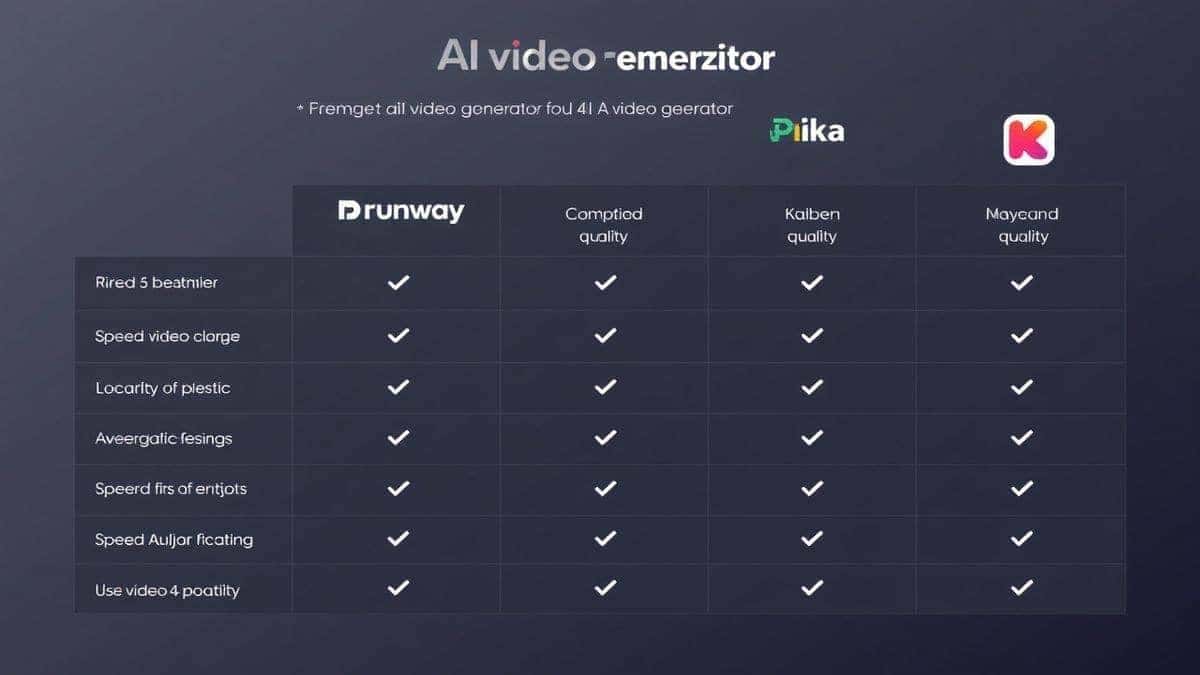
My Take: While Runway and Pika are excellent for high-budget projects with longer render times, they are not practical for the daily grind of social media. The pay-per-credit model adds up fast. For quickly iterating ideas and producing high volumes of content for How to Create Reels Using AI, the free tool is unbeatable. The lack of a login requirement means I can use it on any device, anywhere, without worrying about subscription limits. If you are looking for the best How to Create Reels Using AI free option, this is it.
1. Is it really free to create Reels with AI? Yes. The Free AI Video Generator Online – Text to Video & Image to Video is completely free and requires no login. You can generate as many 5-second clips as you need.
2. How long does it take to generate a video? In my testing, the generation time is consistently between 1 to 2 minutes, depending on server load and the complexity of your prompt.
3. Can I use these videos commercially? Generally, yes. Content generated by AI tools can be used for commercial purposes, but it is always good practice to check the specific terms of service of the platform you are using. The tool mentioned here allows for commercial use.
4. What is the maximum video length I can generate? This specific tool generates clips of 5 seconds. This is the perfect length for creating dynamic and fast-paced Reels when multiple clips are edited together.
5. Do I need to download software? No. It is a 100% web-based tool. You access it through your browser.
6. Which is better for Reels: text-to-video or image-to-video? Both are useful. Text-to-video is best for creating scenes from scratch. Image-to-video is best for animating existing assets, like product photos or characters. I use a mix of both.
7. Why are my AI videos blurry? Blurry results usually come from vague prompts. Make sure to include keywords like "4k," "8k," "ultra HD," "sharp focus," and "highly detailed" in your text prompt. Also, ensure your source image for image-to-video is high resolution.
8. Can I create a full Reel with just one 5-second clip? Technically yes, but Reels perform better when they are varied and engaging. I recommend generating 3 to 5 clips and splicing them together to tell a mini-story.
9. Do I own the copyright to the AI-generated videos? This is a developing legal area. However, most platforms grant you the rights to use the content you generate. You retain ownership of the prompts you write.
10. What is the best How to Create Reels Using AI tool for beginners? For beginners, the Free AI Video Generator Online – Text to Video & Image to Video is the best choice because it removes the friction of pricing and sign-ups, allowing you to experiment and learn the craft of prompting immediately.
The landscape of content creation has shifted. You no longer need a film crew or expensive gear to produce captivating Reels. By mastering How to Create Reels Using AI, you are equipping yourself with a superpower: the ability to turn thoughts into visuals in minutes.
The barrier to entry has never been lower. With tools like Free AI Video Generator Online – Text to Video & Image to Video , you can start generating professional-grade clips right now, completely free.
My advice? Stop overthinking it. Go to the site, type a prompt, and watch the magic happen. You'll be terrible at first—we all are. But after generating your first few dozen clips, you will start to understand the nuances of prompting and motion. You'll develop an intuition for what works.
Don't let the fear of technology hold you back. Embrace the workflow, mix it with your unique human creativity, and start dominating the social media feed. The future of content is here, and it's only a prompt away.
Try our free text-to-video and image-to-video generator — no signup required.
Try AI Generator