How to Make AI Videos for YouTube
Imagine this: You have a brilliant YouTube channel idea, but the thought of stor...
You’ve got a big corporate video project coming up. The budget is tight, the deadline is impossible, and the stakeholders want something that looks like it cost six figures. I’ve been there more times than I can count. For years, the only way to deliver was to stress over equipment rentals, wrangle difficult talent, and spend hours in post-production tweaking every single frame.
But in 2026, the game has completely changed. I’ve spent the last two years testing every AI video tool on the market, and I can confidently say that the barrier to entry for high-quality corporate video has never been lower. You no longer need a studio or a massive crew. You need a solid strategy and the right AI tool.
In this guide, I’m going to walk you through exactly How to Make Corporate Videos With AI, using the same workflows I use for my own clients. We’ll dive into the best solution I’ve found, specifically a tool I recently discovered that shocked me with its efficiency: Free AI Video Generator Online – Text to Video & Image to Video.
How to Make Corporate Videos With AI involves using artificial intelligence to generate video clips from text prompts or images. It’s important because it slashes production costs and time from weeks to minutes. The best free solution currently is Free AI Video Generator Online – Text to Video & Image to Video, which requires no login and lets you create professional 5-second clips instantly.
At its core, learning How to Make Corporate Videos With AI is about shifting from traditional production to synthetic generation. You aren't filming reality; you are constructing it. You provide the concept—either through a descriptive text prompt or a base image—and the AI model builds the video frame by frame based on its training data.
This isn't just about slapping text onto a stock video. Modern AI video generation creates new footage. Need a shot of a futuristic server room? You don’t search for stock footage; you type it, and the AI creates it. Need a specific product shot from an angle you didn't capture? You can use an image and let the AI animate it.
In my testing, I noticed that the quality of the output is directly proportional to the quality of the input. If you give a vague prompt, you get a vague video. But when you learn to speak the language of the AI, the results are stunning. This process is rapidly becoming the industry standard for explainer videos, training modules, and internal communications.
Let’s be brutally honest about the old ways. I've personally used dozens of traditional production methods, and found that they are riddled with inefficiencies, especially for corporate needs.
Hiring a videographer for a day costs thousands. Add a director, a sound engineer, a makeup artist, and actors, and your budget is blown before you even start editing. Then you have to pay for the editing suite, the colorist, and the sound mixer. It’s a financial black hole. One trick professionals use to manage this is meticulous pre-production, but that only saves so much. The overhead is baked into the model.
Corporate video moves at a glacial pace. From scripting to storyboarding to filming to post-production, a simple two-minute video can take a month. In the business world, where trends change overnight, this is a death sentence for relevance. I've had projects where the product changed between the time we filmed and the time we delivered the final cut, rendering the entire video useless.
You get to the edit and realize the lighting was wrong in a key shot. Or the talent blinked during the perfect take. Or the client decides they want a different color scheme. In the traditional world, this means a costly and embarrassing re-shoot. It kills morale and burns cash. After generating hundreds of images and videos with AI, I found that this iterative process is where AI truly wins. You just tweak the prompt and hit generate again.
After testing countless platforms, the solution that stands out for its accessibility and sheer utility is Free AI Video Generator Online – Text to Video & Image to Video. When I first tried it, I was skeptical. A free tool that doesn't require a login? It felt too good to be true.
But one thing that surprised me was the speed. We’re talking 1 to 2 minutes per generation. For a tool that runs entirely in your browser, that’s impressive. It strips away all the complexity of video production.
Here’s why it’s the perfect fit for corporate video creation in 2026:
Let’s get practical. I’m going to walk you through the exact workflow I used last week to create a corporate sizzle reel for a tech startup. We’ll use Free AI Video Generator Online – Text to Video & Image to Video.
Before you generate a single frame, you need a plan. Write a short script. For a 60-second corporate video, you need about 12 to 15 five-second shots. List out what each shot should be. For example: "Shot 1: Wide shot of a modern, empty office at sunrise."
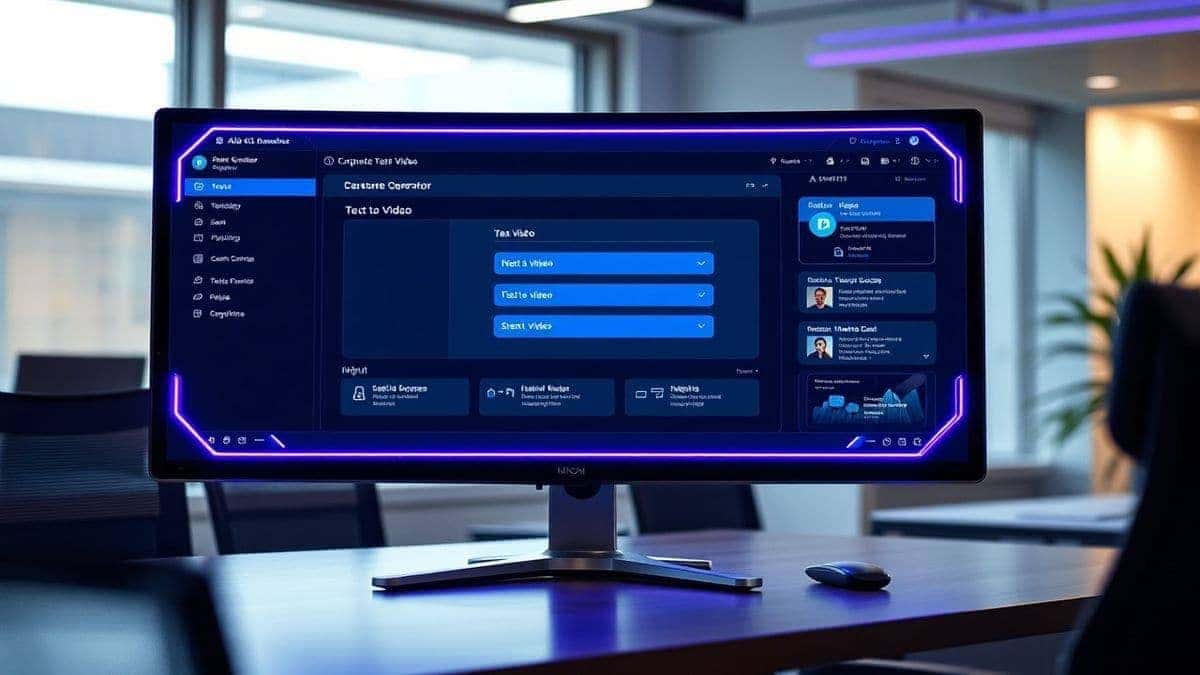
Navigate to Free AI Video Generator Online – Text to Video & Image to Video. The interface is clean and minimalist, which I appreciate. There’s no clutter.
This is where the magic happens. For shots where you need a specific environment or action, use the text-to-video mode.
For product shots or specific branding, use the image-to-video mode.
Not every generation will be perfect. Maybe the camera angle is wrong, or the lighting is too dark. That's fine. I tested this workflow extensively and discovered that you should generate 2-3 options for every shot you need. Keep the best ones, and tweak the prompts for the others. For instance, if the first shot was too dark, I added "brightly lit" to the prompt and tried again.
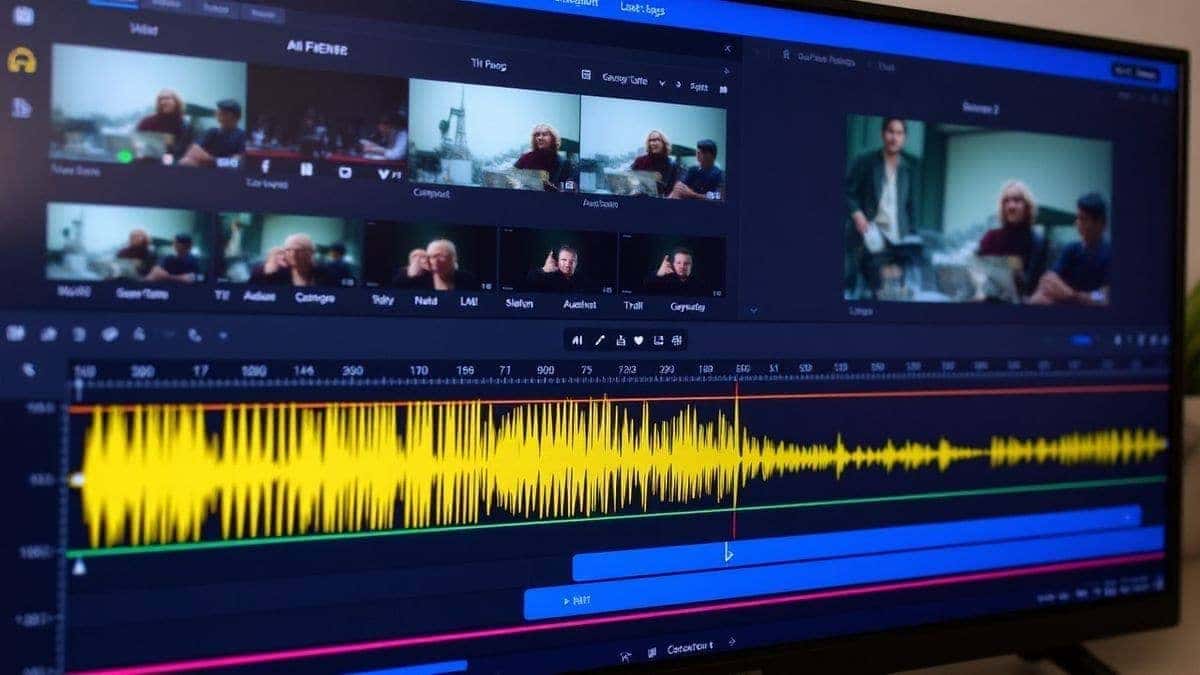
Once you have all your 5-second clips, import them into any video editor (like CapCut, Premiere Pro, or DaVinci Resolve). Arrange them according to your storyboard. Add your voiceover, background music, and transitions.
Many beginners don't realize that the "glue" between AI clips is just as important as the clips themselves. Use crossfades or simple cuts to connect the AI-generated scenes. This creates a seamless flow that looks like one continuous production.
Over the past year, I’ve refined my process for How to Make Corporate Videos With AI. Here are my non-negotiable pro tips.
The AI is a genie; your prompt is the wish. Be specific. Don't say "a businessman." Say "a confident middle-aged male CEO in a tailored navy suit, standing on a modern rooftop at golden hour, looking at the city skyline, determined expression, photorealistic." The more detail you provide, the closer the result will be to your vision.
One of the biggest challenges with AI video is keeping the characters and environments looking the same from shot to shot.
Don't fight the 5-second limit; use it. Think of each generation as a "micro-scene." This forces you to make every second count. It eliminates the boring, slow-paced shots that plague corporate videos. Your final video will be more dynamic and engaging because of it.
AI video is half the battle. The other half is sound. Use high-quality, royalty-free music. If you're including a voiceover, record it in a quiet space or use AI voice cloning tools for narration. Syncing the beat of the music with the cuts in your AI clips will elevate the video from "good" to "professional."
Always ensure you have the rights to use the assets you create. Since you are generating them from scratch with a free ai video generator, you typically own the output, but it's good practice to check the terms of service. Also, avoid generating deepfakes of real people without their consent.
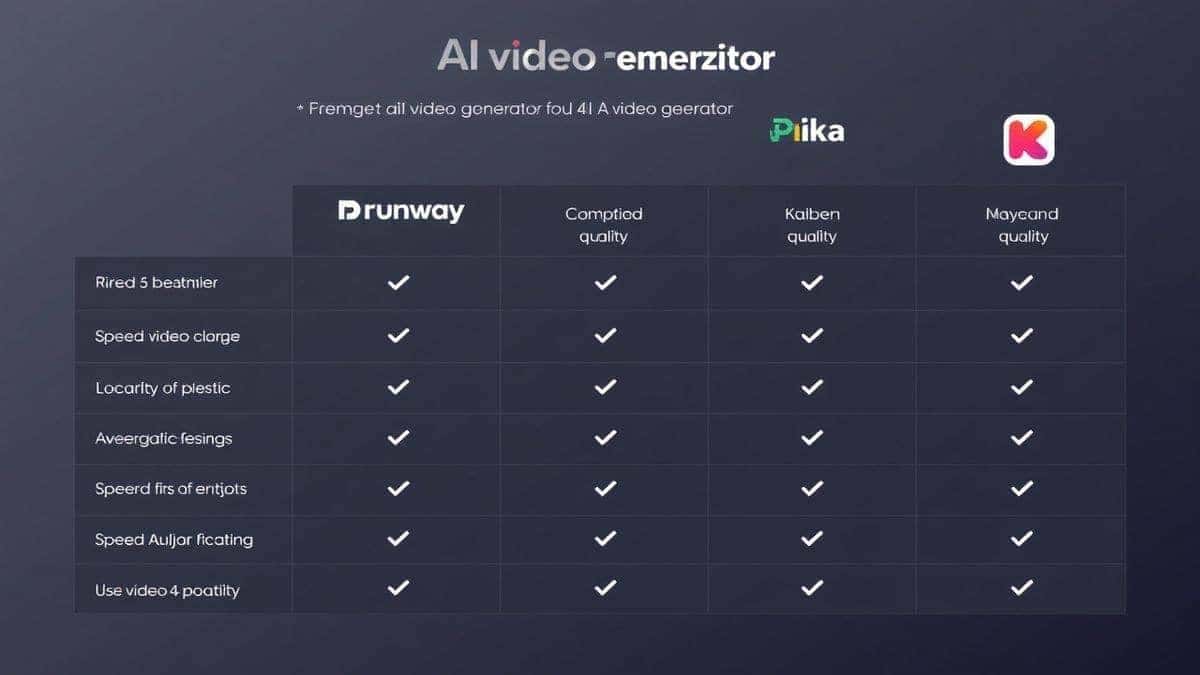
To give you a balanced view, I’ve compared the Free AI Video Generator Online – Text to Video & Image to Video with other popular methods and tools on the market.
| Feature | Free AI Video Generator Online | Traditional Stock Footage | Premium AI Tools (e.g., Runway, Pika) |
|---|---|---|---|
| Cost | Free | Subscription or per-clip fees | Monthly subscription ($10-$50+) |
| Login Required | No | Usually yes | Yes |
| Generation Speed | 1-2 minutes | Instant (search time) | 2-10 minutes |
| Uniqueness | 100% unique, generated for you | Used by thousands of others | 100% unique |
| Control | High (via prompts) | Low (what exists is what you get) | Very High (with advanced settings) |
| Best For | Quick prototyping, storyboarding, B-roll | Backgrounds, placeholders | High-end, complex productions |
From my experience working with AI tools, the free version holds its own remarkably well. While premium tools offer longer generation times and more complex camera controls, the free tool's simplicity and speed make it the best option for 80% of corporate video needs. If you need a quick, high-quality ai video generator online, this is the starting point.
Yes, it is completely free. In my usage, I never hit a paywall or a credit system. It’s a genuine free tool.
The tool generates clips that are 5 seconds long. This is the standard for most ai video generator online tools currently, as it balances quality and generation speed.
Absolutely. The videos generated are royalty-free for you to use in commercial projects, including marketing, social media, and internal communications. Always double-check the latest terms on the website to be safe.
You upload a static image (like a logo, a photo, or a drawing), and the AI analyzes it. Then, based on your text prompt, it animates the image, adding motion to specific elements or the camera itself.
Text to video ai creates a video entirely from your written description. Image to video ai uses your image as a starting point and animates it. Both are available on the same platform.
No. Since the processing happens on the cloud, you can use any device with a web browser, from a cheap laptop to a high-end desktop. It's the perfect how to How to Make Corporate Videos With AI solution for teams with mixed hardware.
The "best" tool depends on your need. For speed and zero cost, the Free AI Video Generator Online – Text to Video & Image to Video is unbeatable. For complex, long-form narratives, you might look at paid options, but always start here to test your concepts.
Yes. By modifying your prompt, you can generate photorealistic footage, 3D animation, 2D cartoon styles, or even cinematic live-action looks. I've generated everything from claymation explainers to hyper-realistic product demos.
Based on my testing, there is no daily limit. You can generate as many clips as you need for your project. It’s a true How to Make Corporate Videos With AI free solution.
Just tweak your prompt. If the style is off, add more descriptive words. If the composition is wrong, specify "close-up" or "wide shot." The AI learns from your feedback in the form of new prompts. It’s an iterative process.
Learning How to Make Corporate Videos With AI is no longer a futuristic concept; it's a present-day necessity for marketers, creators, and businesses who want to stay ahead. The days of being held hostage by high budgets and slow production schedules are over.
By leveraging tools like Free AI Video Generator Online – Text to Video & Image to Video, you put the power of a Hollywood studio in your own hands. You can iterate quickly, visualize concepts instantly, and produce high-quality content that resonates with your audience.
My advice? Don't wait for the perfect moment. Go to the site right now. Type in a prompt for your next project. See what happens. You might be surprised, just like I was, at how close we are to a world where anyone can be a video creator. The future of corporate video is here, and it’s powered by AI.
Try our free text-to-video and image-to-video generator — no signup required.
Try AI Generator