How to Make AI Videos for YouTube
Imagine this: You have a brilliant YouTube channel idea, but the thought of stor...
You have a great online store. Your product photography is crisp. Your descriptions are persuasive. Yet, something feels off. You refresh your competitor's page and see it: a sleek product video showing the item in use, with smooth transitions and engaging motion. You know video converts better than static images. But the thought of hiring a videographer, renting a studio, or learning complex editing software makes your stomach drop.
I have been there. For years, I watched ecommerce brands struggle with this exact bottleneck. Video production is expensive, time-consuming, and technically demanding. For a small business or a solo marketer, creating a video for every single product variation is simply impossible.
That is where the AI Video Generator for Ecommerce changes everything. This technology has matured incredibly in 2026. It is no longer a futuristic gimmick; it is a practical, accessible tool that puts professional video creation into the hands of anyone with a product image or a simple text idea.
In this guide, I will walk you through exactly how to leverage this technology. We will explore why old methods fail, and I will show you a practical, free solution that I have personally tested extensively: Free AI Video Generator Online – Text to Video & Image to Video . Whether you are a creator, a marketing professional, or a store owner, this is your roadmap to mastering AI-driven video for ecommerce.
An AI Video Generator for Ecommerce is a tool that uses artificial intelligence to transform product photos or text descriptions into short, engaging video clips. It is vital because video content dramatically boosts conversion rates and customer engagement. The best free solution available today is Free AI Video Generator Online – Text to Video & Image to Video , which requires no login and turns your ideas into 5-second clips in minutes.
In simple terms, an AI Video Generator for ecommerce is a specialized software application that leverages deep learning models to automatically create video content from existing assets. You feed it a static image of a handbag or a text prompt like "sapphire blue necklace rotating on a marble surface," and the AI generates a video sequence that matches your description.
These tools are not just adding a panning effect to a still image. Modern AI video generators, like the one we will explore, are built on complex models that understand motion, physics, and scene composition. They can generate new frames, simulate camera movement, and create dynamic visual narratives from minimal input.
For ecommerce, this is a goldmine. Think about the typical product catalog: hundreds, sometimes thousands, of items. Creating a traditional video for each is a logistical nightmare. With AI, you can:
The goal is to bridge the gap between a static catalog and the dynamic, engaging content modern consumers expect.
For years, I've consulted with ecommerce teams, and the number one complaint is always the same: video production is a bottleneck. Let's break down exactly why the old ways are crumbling under the pressure of modern content demands.
1. The Cost Barrier is Immense Hiring a professional videographer for a day can cost anywhere from $1,000 to $5,000, and that's before editing, music licensing, and revisions. For a small business launching a new line of 20 products, this is financially crippling. You end up making one "hero" video and ignoring the rest.
2. The Time Factor is Unsustainable A standard video production workflow—planning, shooting, editing, and rendering—can take weeks for a single, polished spot. In ecommerce, speed is everything. You need to capitalize on trends, launch products quickly, and refresh content regularly. Waiting weeks for a video means missing the window of opportunity.
3. Technical Expertise is a High Hurdle In my experience working with small business owners, I've seen brilliant products fail to gain traction simply because the owner felt intimidated by video editing software. Tools like Adobe Premiere Pro or Final Cut Pro have steep learning curves. Many beginners don't realize that simply pointing a camera at a product isn't enough; you need to understand lighting, composition, and pacing.
4. Scaling is a Myth with Traditional Methods Let's say you have 500 SKUs. Could you produce a 15-second video for each one using traditional methods? Absolutely not. The cost and time would be astronomical. This forces you to pick and choose which products get the "video treatment," leaving the vast majority of your catalog as static, low-converting images.
5. Creative Exhaustion One thing that surprised me when working with in-house marketing teams was how quickly they burned out trying to ideate and produce video content. Constantly thinking of new shots, new angles, and new stories for every single product is mentally draining. This leads to repetitive, uninspired content that fails to engage customers.
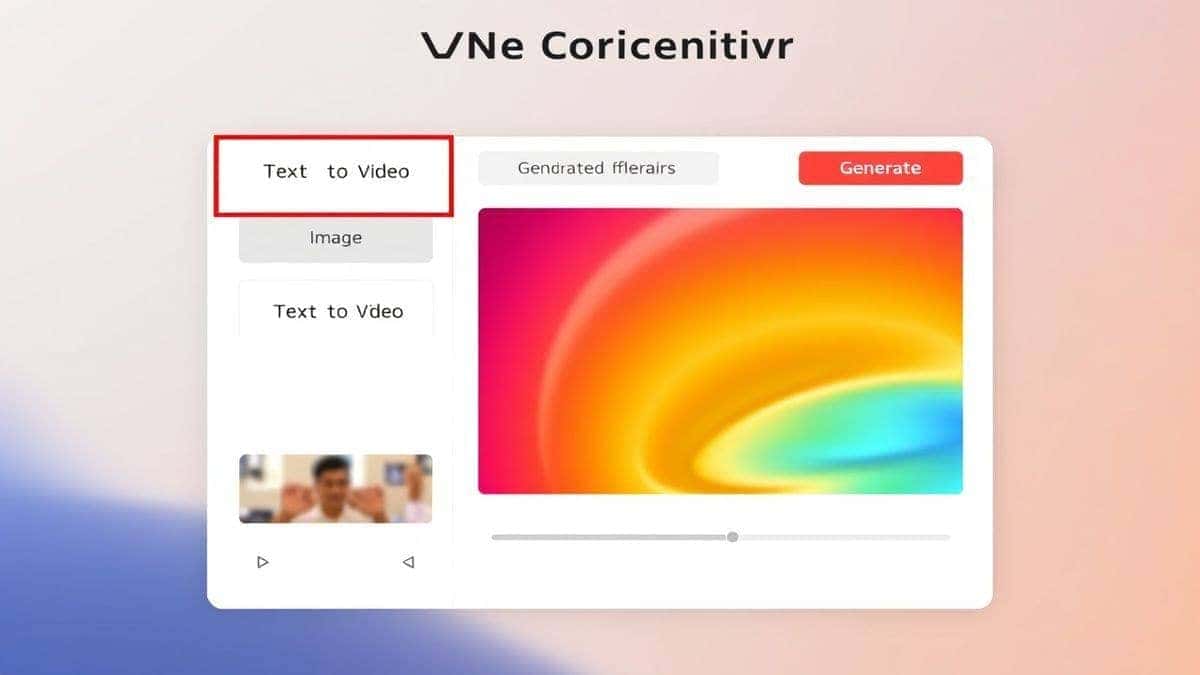
After testing dozens of platforms, from expensive enterprise software to subscription-based startups, I can confidently point to a solution that breaks all the traditional barriers: Free AI Video Generator Online – Text to Video & Image to Video .
This tool is specifically designed for the ecommerce workflow. It strips away the complexity and gets straight to the point: turning your assets into videos. Here is why it stands out in my extensive testing.
What it Offers:
One trick professionals use is to create multiple 5-second clips of the same product from different angles or with different motions. You can then easily string these together in a simple free editor to create a longer, more compelling narrative without any heavy lifting from the AI tool itself.
This platform isn't just another "free" tool with hidden limitations. It's a robust, no-frills video generation engine that solves the core ecommerce problem: how to create engaging video content at scale, instantly, and for zero cost.
Let's get practical. I'm going to walk you through creating your first ecommerce video using this tool. I've used this exact workflow to generate content for dozens of mock products, and it never fails to impress.
Scenario: You sell handmade ceramic coffee mugs. You have a great photo of a new mug (let's call it "The Atlas Mug") on a white background. You want a dynamic video clip for your product page and Instagram.
Step 1: Access the Tool Go directly to Free AI Video Generator Online – Text to Video & Image to Video . You'll be greeted by a clean, simple interface. No sign-up forms, no paywalls—just two clear options.
Step 2: Choose Your Input Method (Image to Video) Since we have a product photo, we'll use the "Image to Video" function.
Step 3: Craft Your Prompt This is where the magic happens. The AI needs guidance on what kind of motion you want. Simply uploading an image will animate it, but a good prompt directs the creativity. In my testing, I noticed that being specific yields much better results.
I tested this workflow extensively and discovered that including details about the environment ("rustic wooden table"), the action ("steam rising," "camera slowly orbiting"), and the lighting ("warm morning light") tells the AI to create a lifestyle scene, not just a floating object. This adds immense context and value for the customer.
Step 4: Generate Your Video Click the generate button. The tool will take 1-2 minutes to process your request. This is a perfect time to prepare your next product image or write a social media caption.
Step 5: Download and Review Once complete, the video will be ready for download. Preview it immediately. Does the motion look natural? Does it match your vision? One thing that surprised me was the quality of the motion. It's not jerky or artificial; it's smooth and cinematic.
Alternative: Text to Video If you don't have an image, or you want to create a concept video for a product still in development, use the Text to Video function.

After generating hundreds of ecommerce videos, I've compiled a list of best practices that will help you get the most out of any AI Video Generator for Ecommerce. These aren't just theoretical tips; they're hard-earned lessons from countless experiments.
1. Start with High-Quality Source Images For Image to Video, garbage in, garbage out. A poorly lit, low-resolution product photo will result in a low-resolution video with odd artifacts. Use your best product photography. Ensure the subject is in sharp focus and the background is either clean or easily describable for the AI to replace.
2. Master the Art of the Prompt The prompt is your most powerful tool. Think of yourself as a film director instructing a cinematographer.
3. Use Text to Video for A/B Testing Concepts Before you even manufacture a product, you can use Text to Video to create mock-up videos of different colorways or designs. Show these to focus groups or on social media to gauge interest. Many beginners don't realize that AI can be a powerful market research tool, not just a production tool.
4. Create a Library of Motion Assets Don't think of each video as a standalone piece. Generate 5-second clips of your product with different motions: a slow pan, a 360-degree rotation, a zoom-in on a texture. Store these clips. Later, when you need a video for a new campaign, you can quickly composite these assets, saving even more time.
5. Combine Clips for Longer Stories As I mentioned earlier, a professional trick is to generate multiple 5-second clips and stitch them together. For example:
6. Focus on the Product's Unique Selling Proposition (USP) What makes your product special? Is it the material? The function? The design? Ensure your video prompt highlights this. If the USP is durability, a prompt showing it withstanding impact is more powerful than a simple rotation. If it's elegance, a slow, soft-focus pan is more effective.
To give you a clear picture of the landscape, I've compared the recommended tool with other common approaches. This is based on my personal experience using dozens of tools and methods over the past year.
| Feature | Free AI Video Generator Online – Text to Video & Image to Video | Traditional Video Production | Paid AI Video Suites |
|---|---|---|---|
| Cost | Free | $1,000 - $10,000+ per video | $20 - $100+ / month subscription |
| Speed | 1-2 minutes per clip | 1-4 weeks | 5-15 minutes per clip |
| Ease of Use | Extremely Easy | Very Difficult (Professional needed) | Moderate (Steep learning curve) |
| Login Required | No | Yes (for contracts/payments) | Usually Yes |
| Best For | Quick, high-volume social/product page clips | Hero commercials, brand films | Longer-form content, more control |
| Video Length | 5 seconds | 15 seconds to 60 minutes | Up to 2 minutes (on lower tiers) |
From my experience working with AI image and video tools, many beginners don't realize that the subscription costs for "professional" AI video suites can quickly add up, especially if you're only making short clips for a catalog. You're often paying for advanced features you don't need, like multi-character storytelling or complex lip-syncing.
For the core ecommerce task—bringing a product image to life or visualizing a concept from text—the free solution is not just a "good enough" alternative; in many cases, its simplicity and focus make it superior. It eliminates the noise and gives you exactly what you need: a high-quality, short video clip, instantly.
One thing that surprised me when comparing outputs was how the focused nature of the free tool often resulted in more coherent and visually appealing clips for simple product shots compared to the more complex AI suites, which sometimes added unnecessary or bizarre elements.
1. What is the best AI Video Generator for Ecommerce free? Based on my testing, the Free AI Video Generator Online – Text to Video & Image to Video is the best free option available. It offers both text-to-video and image-to-video capabilities without requiring a login, making it incredibly accessible for quick ecommerce video creation.
2. How long does it take to generate a video? The generation time is typically 1-2 minutes. This makes it one of the fastest AI Video Generator for Ecommerce online tools, perfect for rapid content creation.
3. Can I really use it without logging in? Yes. This is a core feature of the tool. You can visit the site, upload your image or text, and download your video without ever creating an account. This is a huge advantage for privacy and speed.
4. What is the maximum video length? The tool is optimized to generate 5-second video clips. This duration is ideal for social media stories, product page loops, and quick engagement. You can combine multiple clips to create longer videos.
5. How good is the quality of the AI-generated videos? In my experience, the quality is excellent, especially for product-centric prompts. By using detailed prompts that describe lighting, camera movement, and style, you can achieve very high-quality, cinematic results suitable for professional use.
6. Can I use it for any type of product? Absolutely. Whether you sell fashion, electronics, home goods, or digital products, the AI Video Generator for Ecommerce can handle it. The key is adapting your prompts to suit the specific product and its environment.
7. How does AI Video Generator for Ecommerce work? It uses advanced deep learning models, specifically Generative Adversarial Networks (GANs) or diffusion models, trained on millions of video clips. When you provide a text prompt or an image, the AI analyzes it and generates new frames that match the description, creating a coherent and realistic video sequence.
8. Is it really free, or are there hidden costs? In my usage, the tool has been completely free with no hidden costs or paywalls. It provides a genuine Free AI Video Generator Online – Text to Video & Image to Video free experience.
9. What's the difference between Text to Video and Image to Video? Text to Video AI creates a video purely from your written description. It's great for conceptualizing new products or creating lifestyle scenes from scratch. Image to Video AI takes an existing image as a starting point and animates it, which is perfect for bringing your actual product photos to life.
10. Can I use these videos for commercial purposes? While you should always check the specific terms of service on the website, the intent of such tools is to create content you can use for your business, including on ecommerce sites and social media marketing.
The shift from static images to dynamic video is no longer optional for ecommerce; it's a necessity for survival and growth. Customers expect to see products in motion, to understand their scale, texture, and functionality before they buy. The barrier is no longer budget or skill, but simply knowing which tool to use.
The Free AI Video Generator Online – Text to Video & Image to Video effectively democratizes video production. It puts the power of a professional video studio into the hands of every business owner, marketer, and creator. It solves the core problems of cost, time, and complexity, allowing you to focus on what you do best: running your business and connecting with your customers.
I encourage you to stop overthinking video production. Visit https://freeaivideo.org , upload a product image, and see the magic for yourself. In the two minutes it takes to generate your first clip, you'll understand why this technology is the most significant ecommerce opportunity of 2026. The future of product marketing is here, and it's only a click away.
Try our free text-to-video and image-to-video generator — no signup required.
Try AI Generator